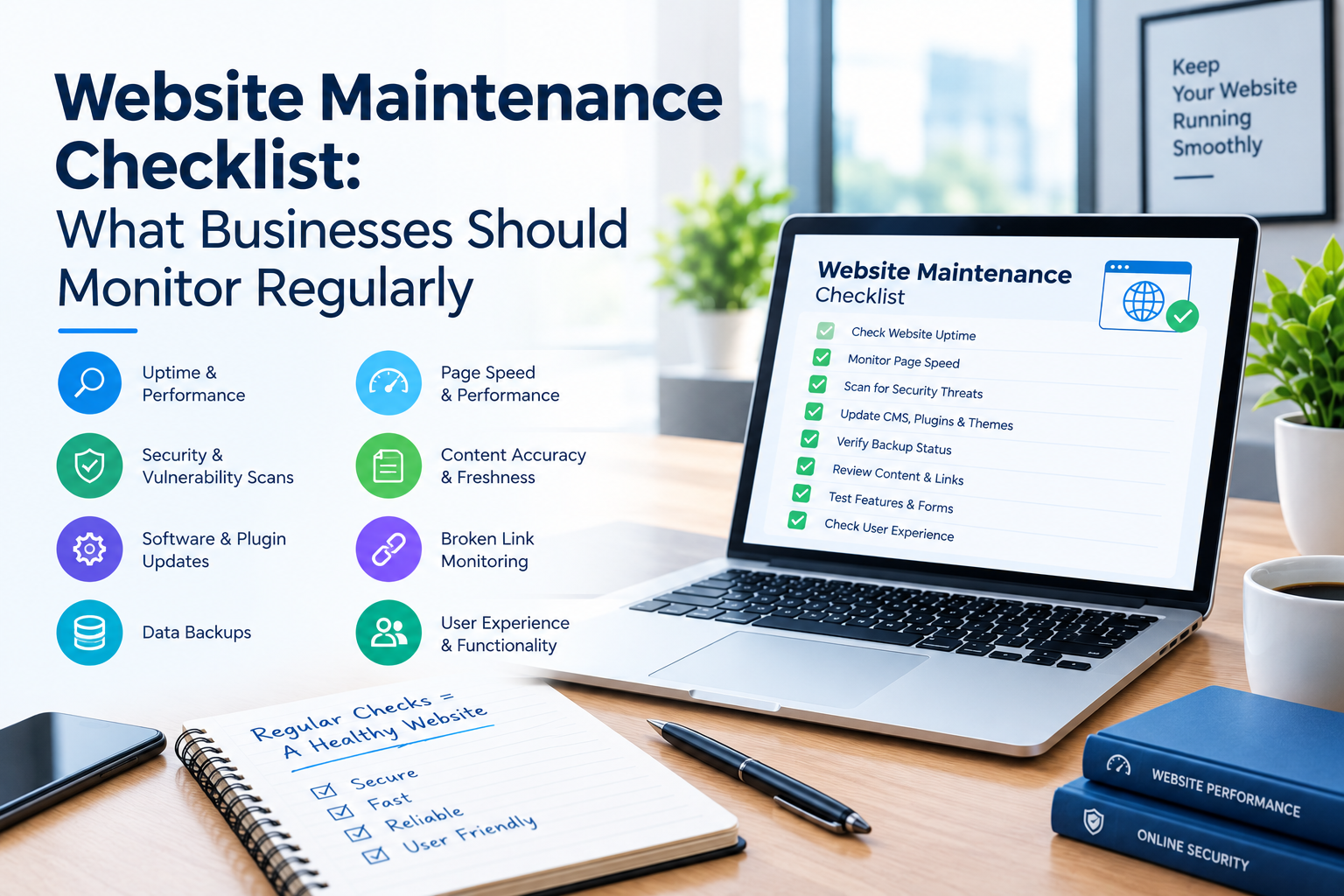
Website Maintenance Checklist: What Businesses Should Monitor Regularly
A business website is more than an online presence. It is often a primary channel for customer communication, lead generation, product discovery, service inquiries, and brand credibility. However, launching a website is only the beginning. Regular website maintenance is essential to keep it secure, fast, functional, and aligned with changing business requirements.
Technical issues, outdated software, broken links, slow-loading pages, expired certificates, and security vulnerabilities can negatively affect both user experience and business performance. A structured website maintenance checklist helps businesses identify potential problems before they become major issues.
What Is Website Maintenance?
Website maintenance is the ongoing process of monitoring, updating, testing, and improving a website after it has been launched.
Regular maintenance can include:
- Security monitoring
- Software and plugin updates
- Website backups
- Performance checks
- Broken-link monitoring
- Content updates
- Mobile responsiveness testing
- Form and functionality testing
- SSL certificate monitoring
- Database maintenance
- SEO checks
- Analytics monitoring
The exact maintenance requirements depend on the website's technology, size, integrations, traffic, and business purpose.
1. Check Website Security Regularly
Security should be one of the highest priorities in website maintenance.
Businesses should regularly monitor:
- CMS and framework updates
- Plugins and extensions
- User permissions
- Login activity
- Malware indicators
- Security vulnerabilities
- Firewall configuration
- Server security
- SSL certificate status
Outdated software can introduce security risks, particularly when known vulnerabilities are left unpatched.
Businesses should also review administrator accounts and remove unnecessary users or permissions.
2. Maintain Regular Website Backups
A reliable backup strategy can help businesses recover from unexpected incidents such as server failures, accidental deletion, malware infections, or configuration problems.
A website maintenance checklist should include:
- Automated backups
- Database backups
- File backups
- Backup verification
- Secure backup storage
- Defined backup retention periods
- Periodic recovery testing
Simply creating backups is not enough. Businesses should periodically verify that backups can actually be restored.
3. Monitor Website Speed and Performance
Website performance affects user experience and can influence how visitors interact with a website.
Regularly monitor:
- Page loading time
- Core Web Vitals
- Image sizes
- JavaScript execution
- CSS files
- Server response time
- Caching
- Database performance
Large images, unnecessary scripts, excessive plugins, and poorly optimized resources can gradually make a website slower.
Performance should therefore be checked after major website updates as well as during routine maintenance.
4. Check for Broken Links
Broken internal and external links can create poor user experiences and make important pages difficult to access.
Regularly check:
- Navigation links
- Service pages
- Blog links
- Internal links
- External references
- Download links
- Call-to-action buttons
For larger websites, automated crawling and monitoring tools can help identify broken URLs more efficiently.
5. Test Website Forms
Forms are often directly connected to business leads and customer inquiries.
Regularly test:
- Contact forms
- Registration forms
- Quote request forms
- Newsletter forms
- Login forms
- Appointment forms
- File upload functionality
Check whether submissions are reaching the correct email address or database and whether users receive appropriate confirmation messages.
A website may appear fully functional while silently losing leads because a form or notification system has stopped working.
6. Verify Mobile Responsiveness
A modern website needs to work effectively across different screen sizes.
Businesses should periodically test important pages on:
- Smartphones
- Tablets
- Laptops
- Desktop screens
Check for:
- Text overflow
- Overlapping elements
- Broken menus
- Incorrect button sizes
- Images extending beyond the screen
- Horizontal scrolling
- Poor spacing
- Difficult navigation
Mobile testing should be repeated after significant design or code changes.
7. Monitor SSL Certificates
An SSL certificate helps establish an encrypted connection between the user's browser and the website.
Businesses should monitor certificate expiration dates and configuration issues.
A website maintenance process should verify:
- HTTPS availability
- Certificate validity
- Redirects from HTTP to HTTPS
- Mixed-content warnings
- Certificate renewal
An expired or incorrectly configured certificate can create browser warnings and reduce user trust.
8. Keep Website Software Updated
Websites often rely on multiple software components, including:
- CMS platforms
- Frameworks
- Plugins
- Themes
- Libraries
- Server software
- Database systems
These components should be reviewed and updated according to the website's technology stack.
However, updates should ideally be tested before being applied to a production environment, particularly on websites with custom development or complex integrations.
9. Review Website Content
Website maintenance is not limited to technical tasks.
Businesses should periodically review their content for:
- Outdated service information
- Incorrect contact details
- Old pricing
- Expired offers
- Outdated team information
- Broken images
- Incorrect links
- Old statistics
- Missing calls to action
Fresh and accurate content helps ensure that visitors receive reliable information about the business.
10. Monitor SEO Health
Technical website problems can affect search visibility.
As part of ongoing maintenance, businesses should monitor:
- Indexing status
- Page titles
- Meta descriptions
- Canonical URLs
- XML sitemap
- Robots.txt
- 404 errors
- Redirects
- Internal linking
- Duplicate content
- Structured data
SEO monitoring should be combined with content and technical improvements rather than treated as a one-time activity.
11. Review Website Analytics
Analytics can help businesses understand how visitors interact with their website.
Regularly review metrics such as:
- Website traffic
- Traffic sources
- Landing pages
- User engagement
- Conversion activity
- Form submissions
- Device usage
- High-exit pages
Analytics can reveal pages that need performance, content, or user-experience improvements.
12. Check Third-Party Integrations
Many business websites depend on external services and APIs.
These may include:
- Payment gateways
- CRM systems
- Email platforms
- Marketing tools
- Analytics platforms
- Chat systems
- Social media integrations
- Shipping services
Businesses should periodically confirm that these integrations are still functioning correctly and that API credentials, permissions, and configurations remain valid.
13. Monitor Database and Server Health
For dynamic websites and web applications, database and server health can directly affect performance and reliability.
Maintenance may include:
- Database optimization
- Log monitoring
- Storage monitoring
- Server resource monitoring
- Error monitoring
- Cache management
- Temporary-file cleanup
Early detection of resource problems can help prevent unexpected downtime.
14. Test Website Functionality
Important website features should be tested periodically rather than assuming they will continue working indefinitely.
Test:
- Navigation
- Search
- Login
- Checkout
- Forms
- Buttons
- Downloads
- Pop-ups
- Filters
- Account functionality
- Interactive elements
Functional testing is particularly important after software updates, hosting changes, or code modifications.
15. Create a Website Maintenance Schedule
A maintenance checklist becomes more effective when tasks are organized according to frequency.
Daily or Automated Monitoring
- Website availability
- Security alerts
- Server monitoring
- Critical errors
- Backup status
Weekly Checks
- Forms
- Important links
- Website performance
- Security updates
- Error logs
Monthly Checks
- Content review
- SEO health
- Analytics
- Database health
- Third-party integrations
- User accounts and permissions
Quarterly Checks
- Full website audit
- Mobile responsiveness
- Performance optimization
- Security review
- Backup recovery testing
- UX review
- Technology-stack assessment
The frequency should be adjusted according to the website's complexity, traffic, and business importance.
Website Maintenance Checklist
Businesses can use the following checklist as a starting point:
| Maintenance Area | What to Monitor |
|---|---|
| Security | Vulnerabilities, malware, access controls |
| Backups | Files, databases, restoration |
| Performance | Loading speed, server response |
| Links | Broken and incorrect URLs |
| Forms | Submissions and notifications |
| Mobile | Responsive layout and navigation |
| SSL | Certificate and HTTPS |
| Software | CMS, plugins, frameworks |
| Content | Accuracy and relevance |
| SEO | Indexing, metadata, redirects |
| Analytics | Traffic and conversions |
| Integrations | APIs and third-party services |
| Database | Performance and storage |
| Functionality | Buttons, search, login, checkout |
How Clopid Supports Website Maintenance
Ongoing website maintenance requires both technical monitoring and proactive problem resolution. Businesses can benefit from having a structured maintenance process that addresses performance, security, functionality, integrations, and system reliability.
Clopid provides technology maintenance and support services to help businesses maintain their websites, applications, and IT environments. Its services can support organizations with ongoing technical maintenance, troubleshooting, system monitoring, and technology management.
For businesses looking for reliable technology support and maintenance solutions, visit Clopid to explore its services.
Conclusion
Website maintenance should be treated as an ongoing business activity rather than an occasional technical task. Regularly monitoring security, backups, performance, links, forms, mobile responsiveness, software, SEO, analytics, and integrations can help businesses maintain a reliable digital presence.
A well-structured website maintenance checklist allows organizations to identify issues earlier, reduce avoidable downtime, protect important business data, and provide a more consistent experience for website visitors.
By combining proactive monitoring with regular technical improvements, businesses can keep their websites secure, functional, and prepared to support long-term growth.