Introduction
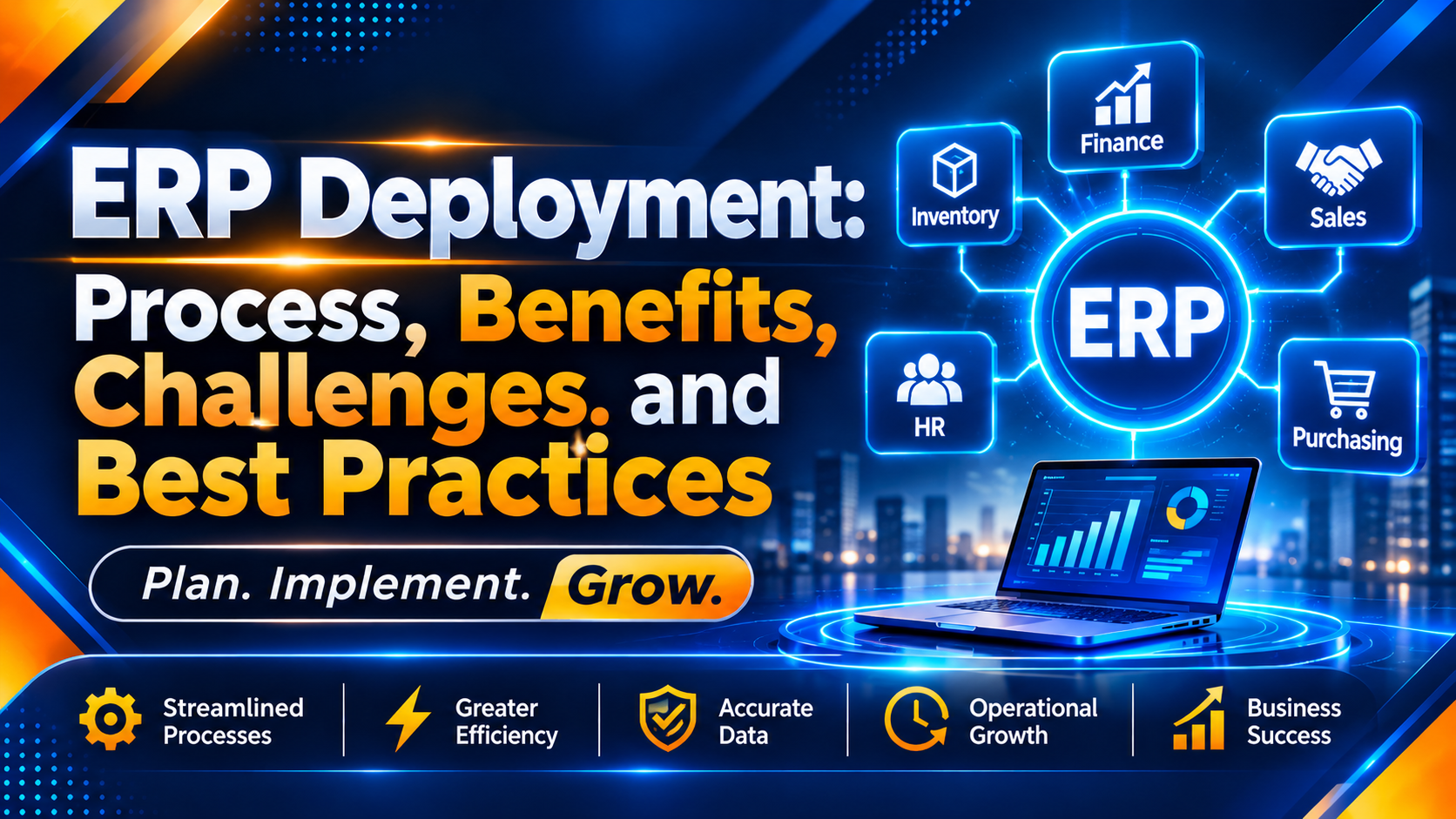
An ERP system helps businesses manage different activities in one place. These activities include finance, sales, HR, inventory, and purchasing.
However, every employee does not need access to all business information. An HR employee needs staff records, while an accountant needs financial data.
Giving everyone the same access can create security problems. It can also lead to mistakes and unauthorized changes.
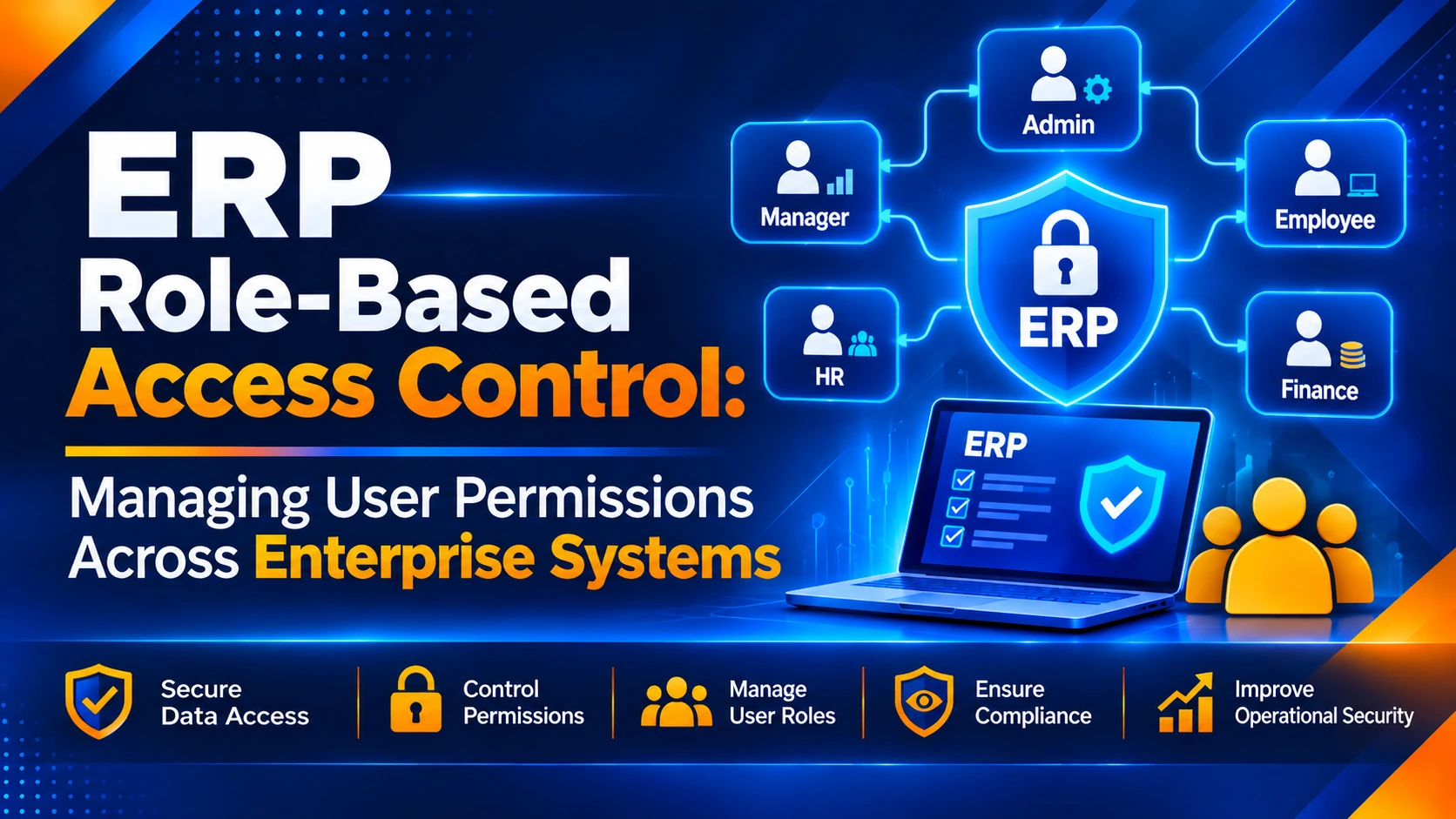
ERP Role-Based Access Control (RBAC) helps solve this problem. It gives employees access based on their job roles.
Businesses can use RBAC to control who can view, edit, create, or approve information. This makes ERP systems easier to manage and more secure.
What Is ERP Role-Based Access Control?
ERP Role-Based Access Control (RBAC) is a method of managing user permissions in an ERP system.
It gives employees access according to their job responsibilities. Instead of setting permissions for every employee separately, administrators create roles.
Each role has its own set of permissions.
For example:
- HR Executive: Can view employee records and attendance.
- Finance Manager: Can access financial reports and payment records.
- Inventory Manager: Can manage stock and warehouse information.
- Sales Executive: Can view customer details and sales orders.
- System Administrator: Can manage approved system settings and user accounts.
An employee receives access through their assigned role.
In simple terms, RBAC ensures that employees only access the information and tools needed for their work.
How Does ERP Role-Based Access Control Work?
RBAC works through three basic elements: users, roles, and permissions.
1. Users
Users are employees who log in to the ERP system.
Each employee has an account to perform their daily tasks.
2. Roles
Roles define what employees do within a business.
For example, a company may have HR, finance, sales, and inventory roles.
3. Permissions
Permissions define what users can do inside the ERP system.
Common permissions include:
- View: Read business information.
- Create: Add new records.
- Edit: Change existing information.
- Delete: Remove records.
- Approve: Approve business transactions.
- Manage: Control specific system settings.
The process is simple:
User → Role → Permission → System Access
For example, an inventory employee may update stock records. However, they may not have permission to approve supplier payments.
This separation helps businesses control important activities.
Why Do Businesses Need RBAC in ERP Systems?
ERP systems store important business information. This includes customer records, financial details, employee data, and stock information.
RBAC helps protect this information in several ways.
1. Protects Important Business Data
Not every employee needs access to confidential records.
RBAC limits access based on job responsibilities. This helps prevent unnecessary exposure of business information.
2. Reduces Unauthorized Activities
Employees should only access the functions needed for their work.
For example, a sales executive may need customer records but not payroll settings.
Limiting access helps reduce unwanted changes and misuse.
3. Improves Employee Accountability
Each role has clearly defined permissions.
This makes it easier to understand who can perform specific activities. When combined with activity logs, businesses can also review important changes.
4. Makes User Management Easier
Managing access separately for every employee takes time.
RBAC makes this process simpler. Administrators can assign existing roles to new employees.
They can also update permissions when employees change departments.
5. Supports Security Audits
Businesses often need to review who can access their information.
RBAC provides a clear structure for managing user permissions. It also helps businesses prepare for internal security reviews.
However, RBAC alone does not guarantee compliance. Companies also need proper security policies and regular checks.
What Are the Different Types of Access Control?
Businesses can use different methods to manage access to their systems.
Three common approaches are RBAC, ABAC, and MAC.
Role-Based Access Control (RBAC)
RBAC gives access based on job roles.
For example, an HR employee receives access to employee records.
Best for: Businesses with clearly defined departments and job responsibilities.
Attribute-Based Access Control (ABAC)
ABAC uses different conditions to decide access.
These conditions may include department, location, employee status, or transaction value.
For example, a manager may approve payments only within a specific amount.
Best for: Businesses that need more flexible access rules.
Mandatory Access Control (MAC)
MAC uses security rules set by a central authority.
Users cannot change these rules on their own.
Best for: Organizations that need strict access restrictions.
RBAC vs ABAC vs MAC
| Feature | RBAC | ABAC | MAC |
| Access based on | Job roles | Attributes and conditions | Security policies |
| Permission control | Role-based | Rule-based | Centralized |
| Flexibility | Structured | High | Strict |
| Common use | Business departments | Complex access rules | High-security systems |
The right method depends on business needs and system requirements.
7 Best Practices for Managing ERP User Permissions
Creating user roles is only the first step. Businesses must also manage permissions regularly.
The following practices can help.
1. Give Access Only When Needed
Employees should receive only the permissions required for their work.
For example, an employee who views financial reports does not always need permission to edit payment records.
This approach is called the Principle of Least Privilege.
2. Separate Important Responsibilities
Avoid giving one employee complete control over sensitive activities.
For example, the person who creates a payment request should not automatically approve it.
This helps reduce errors and the risk of misuse.
3. Review Permissions Regularly
Employee responsibilities can change over time.
A person may move to another department or receive a promotion.
Businesses should update their ERP permissions whenever these changes occur.
4. Use Multi-Factor Authentication
Multi-Factor Authentication (MFA) adds another step to the login process.
For example, employees may need a verification code after entering their password.
This provides additional protection if someone steals a password.
5. Monitor User Activities
Businesses should track important activities inside their ERP systems.
These may include:
- Changes to financial records.
- Updates to user permissions.
- Payment approvals.
- Changes to customer information.
- Administrative activities.
Regular monitoring helps identify unusual activities.
6. Create an Approval Process
Businesses should define who can request and approve new permissions.
For example, a department manager may request access for an employee. An authorized administrator can then assign the approved role.
This helps prevent unnecessary access.
7. Remove Access When Employees Leave
Former employees should not retain access to business systems.
Companies should disable their accounts promptly. They should also review any permissions linked to those accounts.
Common ERP Access Control Problems and Their Solutions
Businesses may face several challenges while managing ERP permissions.
| Problem | Solution |
| Too many user roles | Combine similar roles. |
| Employees have extra permissions | Apply least-privilege access. |
| Old employee accounts remain active | Disable unnecessary accounts. |
| One person controls multiple sensitive tasks | Separate important responsibilities. |
| Access requests are unclear | Create an approval process. |
| User activities are difficult to track | Maintain activity logs. |
Regular permission reviews can help prevent these problems.
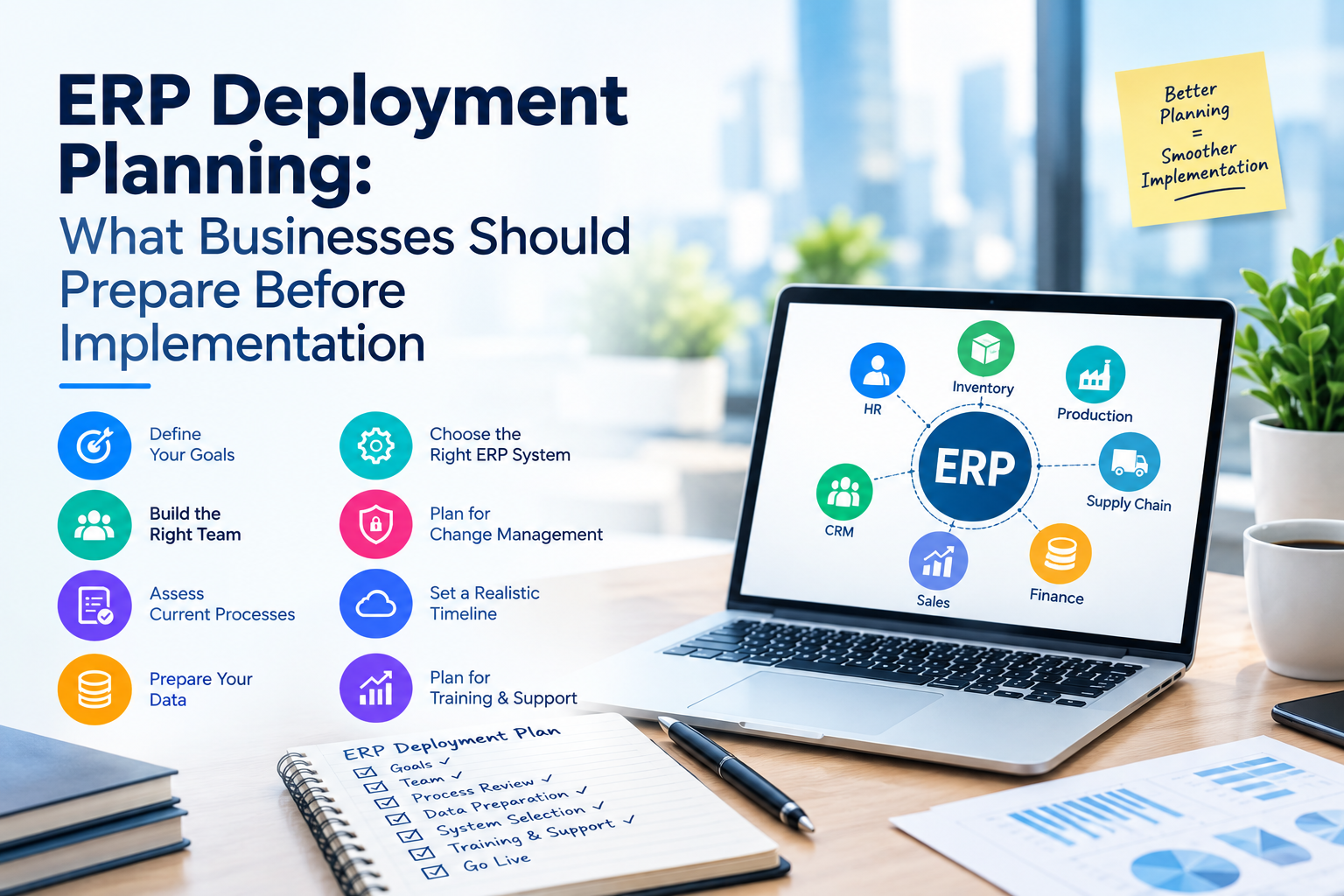
How to Implement RBAC During ERP Deployment
Businesses should plan user permissions before employees start using a new ERP system.
A proper implementation process helps avoid access problems later.
Here are six important steps.
Step 1: Understand Business Requirements
Start by identifying departments and employee responsibilities.
Find out which ERP modules each department needs.
Step 2: Create User Roles
Create roles based on actual job responsibilities.
For example, define separate roles for finance, HR, sales, and inventory teams.
Step 3: Assign Permissions
Decide what each role can do.
Some employees may only need to view records. Others may need permission to create or approve transactions.
Step 4: Test User Access
Check whether employees can access the required functions.
Also verify that restricted users cannot perform unauthorized activities.
Step 5: Train Employees
Explain how user permissions work.
Show employees which functions they can use and why access rules matter.
Step 6: Review Access Regularly
Continue checking user permissions after deployment.
Update roles when employees or business requirements change.
RBAC is not a one-time setup. Businesses must review and manage access throughout the ERP system's lifecycle.
When Should Businesses Review ERP User Permissions?
Businesses should review user access whenever important changes occur.
Common situations include:
- A new employee joins the company.
- An employee changes departments.
- Someone receives a promotion.
- A new ERP module is introduced.
- Business operations expand.
- An employee leaves the organization.
- Unusual account activity is detected.
Regular reviews help keep user access updated and relevant.
How Clopid Supports ERP Deployment
Setting up an ERP system requires proper planning and configuration. Businesses must also consider their departments, workflows, and system requirements.
Clopid provides ERP Deployment services that include:
- ERP Implementation: Setting up ERP systems to support business operations.
- ERP Migration: Moving business data to another ERP environment.
- ERP Configuration: Adjusting system settings to meet business requirements.
- Enterprise Integration: Connecting ERP systems with other business applications.
During ERP deployment, businesses can also plan user roles and access permissions.
This helps create a more organized system from the beginning.
Whether you are implementing a new ERP system or improving an existing one, proper deployment planning is important.
Need help with ERP implementation or configuration?
Contact Clopid to explore ERP Deployment services.
Frequently Asked Questions (FAQs)
1. What is ERP Role-Based Access Control?
ERP Role-Based Access Control (RBAC) is a method of managing user permissions. It gives employees access according to their job responsibilities.
2. Why is RBAC important in ERP systems?
RBAC helps protect business information and limit unnecessary access. It also makes user management easier and improves accountability.
3. What are common ERP user roles?
Common roles include Finance Manager, HR Executive, Inventory Manager, Sales Executive, Procurement Officer, and System Administrator.
The roles depend on the company's structure.
4. Can one employee have multiple ERP roles?
Yes. Some ERP systems allow employees to have multiple roles.
However, businesses should check combined permissions to avoid giving users unnecessary access.
5. What is the difference between RBAC and ABAC?
RBAC gives access based on job roles. ABAC uses conditions such as department, location, and transaction value to decide access.
6. How often should ERP permissions be reviewed?
Businesses should review permissions regularly. They should also update access whenever employees change roles or leave the company.
7. Does RBAC prevent all ERP security risks?
No. RBAC helps control user access but cannot prevent every security threat.
Businesses should also use MFA, activity monitoring, and regular security reviews.
8. How can a business implement RBAC?
Start by identifying employee responsibilities. Then create roles, assign permissions, test access, train employees, and review permissions regularly.
Conclusion
Managing user access is an important part of ERP security.
ERP Role-Based Access Control helps businesses decide who can view and manage different types of information. It also reduces unnecessary permissions and makes system administration easier.
Businesses should create clear user roles and review them regularly. They should also monitor important activities and update access when responsibilities change.
Including RBAC in ERP deployment helps organizations build a more controlled and organized business system.
Planning an ERP implementation or system upgrade?
Explore Clopid's ERP Deployment services for implementation, migration, configuration, and enterprise integration support.