Introduction
Many businesses use different tools to manage their work. One tool may handle sales. Another may track stock. A third may manage accounts. When these tools do not share data, work becomes slow and errors can occur.
An Enterprise Resource Planning (ERP) system brings these tasks together. It helps teams use shared business data and manage daily work from one platform.
But buying ERP software is only the first step. The business must set it up, move its data, connect other tools, and test the system before launch.
ERP deployment is the process of setting up, testing, and launching an ERP system for daily business use. It helps a business connect its teams, manage data, and improve its work processes.
This guide explains the ERP deployment process, its benefits, common challenges, and ways to measure success.
What Is ERP Deployment?
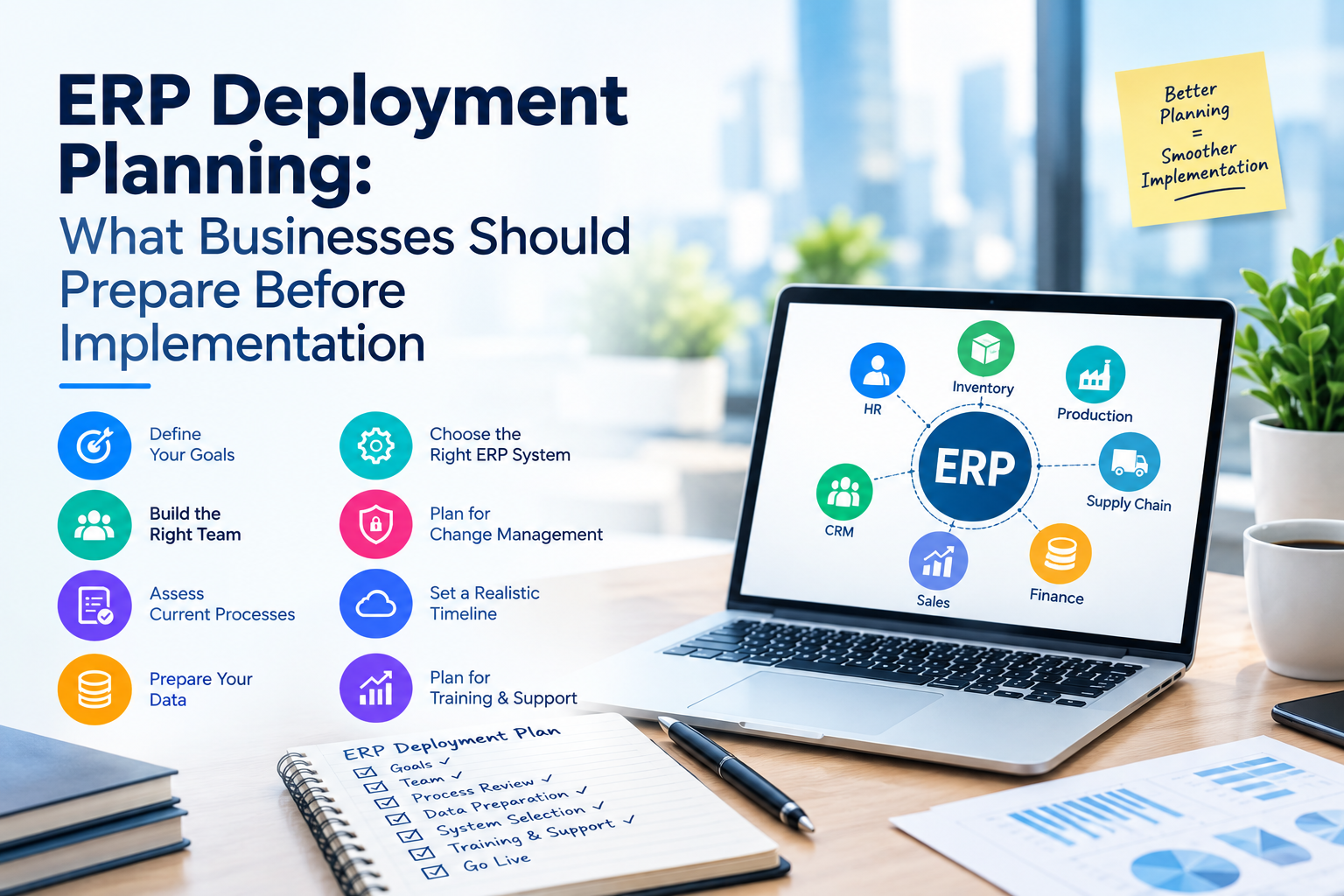
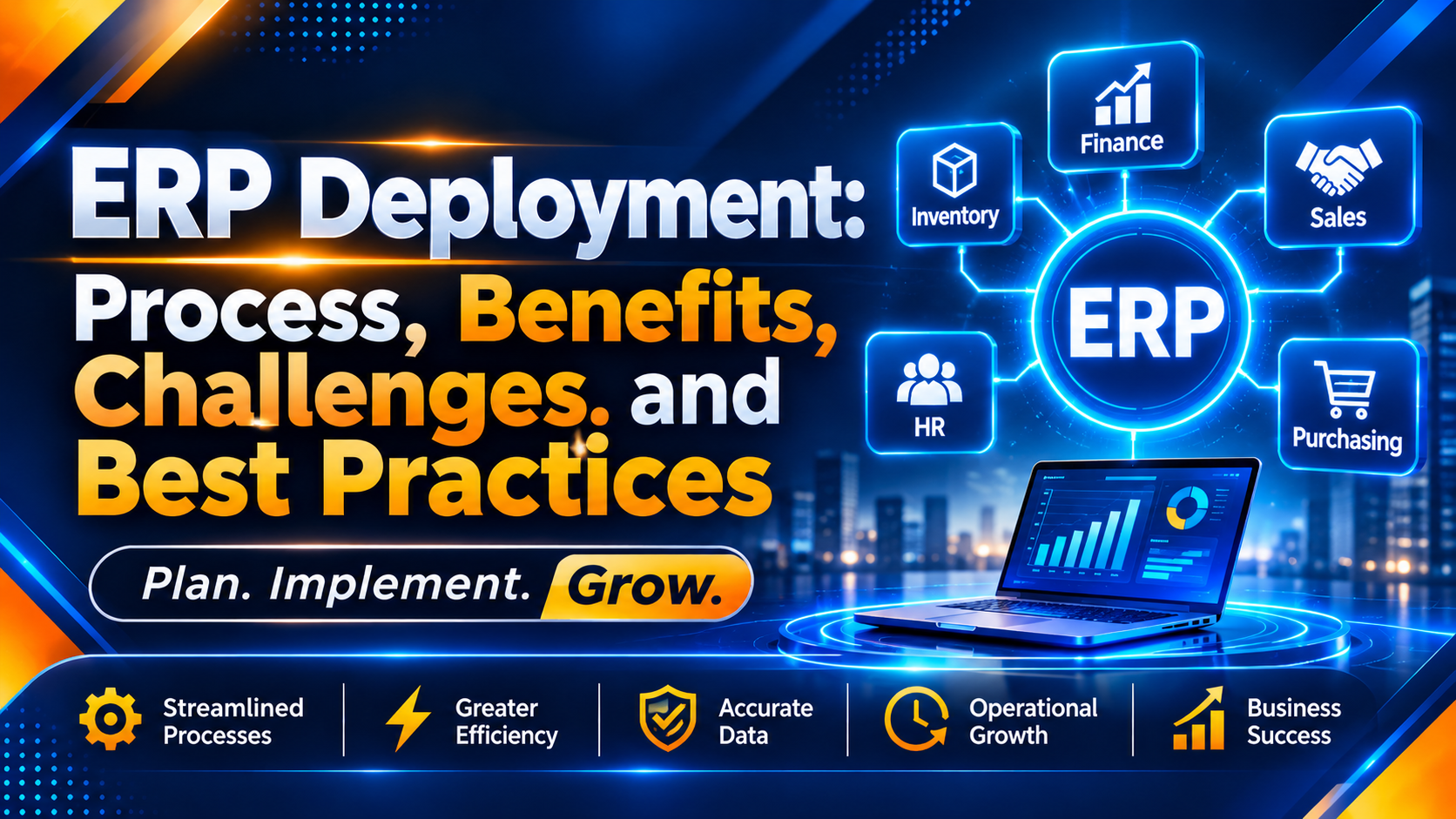
ERP deployment means making an ERP system ready for use in a business. It covers system setup, data migration, configuration, integration, testing, and launch.
Consider a company that sells products. Its sales team records orders in one tool. Its warehouse team tracks stock in another. The accounts team uses separate software for bills and payments.
This can lead to delays and repeated data entry.
An ERP system connects these tasks. When the sales team records an order, the warehouse team can check the stock. The accounts team can also use the order details for billing.
A typical ERP system can support these business areas:
| Business Area | Common ERP Tasks |
| Finance | Bills, payments, accounts, and reports |
| Sales | Customer details and sales orders |
| Inventory | Stock levels and warehouse records |
| Purchasing | Supplier details and purchase orders |
| Human Resources | Employee records and payroll |
| Management | Business reports and performance data |
A business can select the modules it needs. The final setup depends on its size, industry, and work processes.
ERP implementation and ERP deployment are related, but they are not the same. Implementation covers the full project of bringing ERP into a business. Deployment focuses on preparing and launching the system.
Why Is ERP Deployment Important?
ERP deployment helps teams work with shared information. It can also reduce manual work and improve control over business tasks.
Without an integrated system, employees may enter the same data more than once. They may also use old or different records. This can affect reports and business decisions.
A well-planned ERP system can help a business:
- Save time by reducing repeated data entry.
- Keep records more consistent across teams.
- Give staff access to useful business information.
- Prepare reports with less manual work.
- Connect sales, finance, stock, and purchasing.
- Automate suitable tasks and approval steps.
- Add new users or business functions as the company grows.
For example, when a sales order is added, the ERP system can update the related stock record. This helps the warehouse team see the latest information.
However, these results are not automatic. The business must set up the system correctly. Poor data, wrong settings, or failed connections can cause problems.
7 Steps in the ERP Deployment Process
ERP deployment has several stages. Each stage helps prepare the system for launch.
1. Understand Business Needs
First, study how the business works. Find out what each team needs from the new system.
Speak with the people who handle daily tasks. Their needs may differ.
For example, the finance team may need better invoice control. The sales team may need customer and order records. The warehouse team may need live stock details.
Also, review the tools the business already uses. Make a note of the systems that must connect with the new ERP.
Create a list of required features. Separate essential features from optional ones. Then set clear project goals.
A goal could be to reduce manual stock updates or make invoice processing faster.
Microsoft's Dynamics 365 implementation guidance recommends setting clear goals, project scope, roles, and resources before starting the work.
Result: A clear project plan based on real business needs.
2. Select the Right ERP System
Next, choose an ERP system that fits the business. Do not select software only because it offers many features.
Check whether it supports your daily work and future plans.
| Selection Factor | What to Check |
| Features | Does it meet your business needs? |
| Growth | Can it support more users and tasks later? |
| Integration | Can it connect with your current tools? |
| Security | Can you control who sees business data? |
| Customisation | Can it support key work processes? |
| Cost | Can you manage setup and running costs? |
| Support | Is technical help available when needed? |
Businesses should also compare cloud ERP and on-premises ERP.
Cloud ERP runs on systems managed by a service provider. Users can usually access it online.
On-premises ERP runs on servers managed by the business itself.
Both options have different costs and support needs. The right choice depends on the budget, IT team, security needs, and business plans.
Result: An ERP system that matches the company's needs.
3. Prepare and Move Business Data
Data migration means moving existing business records into the new ERP system.
These records may include customer details, supplier data, stock records, employee details, and financial information.
Before moving the data, check that it is correct. Remove duplicate entries. Fix missing or wrong details. Keep only the records the business needs.
Then match each old data field with the right field in the new system.
For example, a customer record may have a name, phone number, address, and account number. Each detail must go into the correct place.
Data migration usually has three main steps:
- Extract: Collect data from the old systems.
- Transform: Clean and format the data.
- Load: Move the prepared data into the ERP system.
Microsoft's data migration guidance explains how to prepare, move, and check data during an ERP project.
After the move, compare the old records with the new ones. Check for missing details, wrong formats, and duplicate entries.
Result: Clean and accurate data in the new ERP system.
4. Configure the ERP System
Configuration means setting up the ERP system to match the way a business works.
Each team may need different settings and user access.
For example, the finance team may need invoice approval rules. The sales team may need order tracking. Managers may need access to business reports.
A company may also need to set tax rules, approval levels, and user permissions.
Imagine a company that needs manager approval for large purchases. The ERP system can be set up to follow this rule.
Avoid making too many custom changes. Extra changes can raise costs and make future updates harder.
Use the standard features where possible. Add custom features only when the business has a clear need.
Result: An ERP system that follows the company's work processes.
5. Connect Other Business Tools
ERP integration means connecting the ERP system with other applications. This allows them to share useful data.
A business may already use tools for payments, customer records, online sales, or warehouse work. These tools may need to connect with the new ERP system.
| Connected Tool | Data It Can Share |
| Payment gateway | Payment details |
| CRM software | Customer and sales records |
| E-commerce platform | Orders and stock details |
| Warehouse system | Stock and product records |
| HR software | Employee information |
| Reporting tools | Business data for reports |
For example, a customer may place an order on an online store. The connected ERP system can receive the order and update the stock record.
Before launch, check that each tool can connect to the ERP system. Test how data moves between them. Also, decide which system can update each type of record.
This helps prevent duplicate or incorrect data.
Result: Connected applications that share data as planned.
6. Test the System Before Launch
Testing checks whether the ERP system works as expected. It helps teams find problems before the system goes live.
Businesses should test the main features, data, and connections.
| Test Type | What It Checks |
| Functional testing | Do the features work? |
| Integration testing | Do connected tools share data? |
| Data testing | Did records move correctly? |
| Performance testing | Can the system handle expected work? |
| Security testing | Are user permissions correct? |
| User acceptance testing | Does the system meet business needs? |
For example, the finance team can test invoices and payments. The warehouse team can check stock updates. The sales team can test customer orders.
Microsoft's testing strategy guide explains how teams can plan and carry out tests before deployment.
Before launch, confirm that the data is ready, key features work, and users have the right access. Also, prepare a cutover plan.
A cutover plan explains how the business will move from the old system to the new one. It should list the tasks, people responsible, and planned dates.
Result: A tested ERP system and a clear launch plan.
7. Launch and Monitor the ERP System
Once testing is complete, the business can launch the ERP system. This stage is known as go-live.
The work does not end at launch. The team must check the system and fix any issues that appear.
Monitor system access, data accuracy, transactions, and connected applications. Collect feedback from users. Make sure technical support is available.
There are two common ways to launch an ERP system.
Phased deployment: The business starts with one team or department. It then adds more teams over time.
Full deployment: The business launches the system across the organisation at once.
A phased launch can make problems easier to manage. A full launch may save time, but it needs careful planning and testing.
The best choice depends on the size of the business, project risks, and available resources.
Microsoft's deployment and release guidance explains why the launch plan should match the project's needs and risks.
Result: A live ERP system with a plan for support and monitoring.
Common ERP Deployment Challenges and Solutions
ERP projects can face technical and business problems. Knowing the risks early can help teams avoid delays.
| Challenge | Why It Happens | How to Handle It |
| Unclear needs | Teams have not shared their requirements | Document needs before selecting software |
| Poor data | Old records contain errors or duplicates | Clean and check data before migration |
| Failed connections | Tools use different data formats | Check compatibility and test integrations |
| Complex setup | Too many custom changes are made | Use standard features where possible |
| Staff resistance | New processes change daily work | Explain changes and provide user support |
| Project delays | Tasks and owners are not clear | Set a schedule and assign responsibilities |
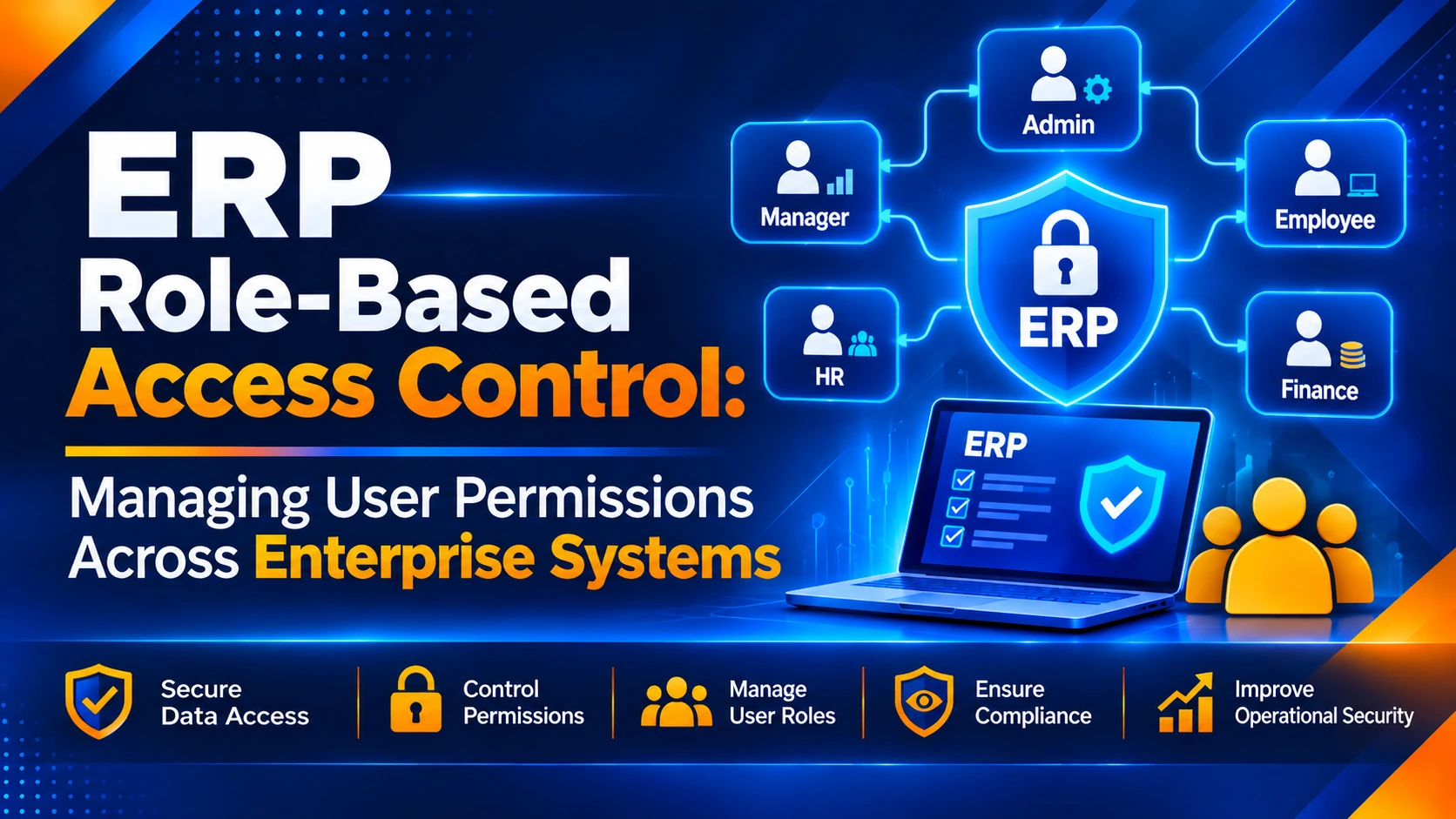
| Security risks | User access is not set correctly | Apply role-based access controls |
| Launch problems | Testing or support is not ready | Complete a go-live review |
One common mistake is to rush the launch. Teams may skip data checks or reduce testing time to meet a deadline.
This can lead to errors after go-live.
Microsoft's go-live readiness checklist covers key areas such as data, testing, cutover plans, and support.
A readiness check helps teams find problems before they affect daily work.
How to Measure ERP Deployment Success
A live ERP system does not always mean a successful project. Businesses must check whether the system meets their goals.
Key Performance Indicators (KPIs) help track results. They show what is working and where changes may be needed.
| KPI | What It Measures |
| Deployment time | Whether the project meets its schedule |
| Project cost | Whether spending stays within budget |
| Data accuracy | Whether records moved correctly |
| System availability | How often users can access the system |
| Integration success | Whether connected tools share data |
| Error rate | How often system or data errors occur |
| Process time | How long key tasks take |
| User adoption | Whether staff use the new system |
Businesses can also measure data migration accuracy.
Data Migration Accuracy = (Correct Records ÷ Total Migrated Records) × 100
For example, if 9,500 out of 10,000 records move correctly, the accuracy rate is 95%.
Set KPI targets before the project starts. Choose targets that match the business goals. For example, a company may want to reduce order processing time or improve stock record accuracy.
There is no single target for every business. Review the results against the goals set during planning.
A successful ERP deployment meets business needs, keeps data reliable, and supports daily work.
Best Practices for ERP Deployment
Good planning can make ERP deployment easier. These practices can also reduce common project risks.
Start with clear goals. Decide what the ERP system should improve. Make sure each team understands the project scope.
Choose software with care. Check features, costs, support, security, and future needs before making a decision.
Clean data before moving it. Correct old records and remove duplicate entries. Test the migration before the final move.
Keep custom changes under control. Use standard ERP features when they meet the need. This can make updates easier.
Test every connection. Check that the ERP system shares data with other applications correctly.
Involve the people who will use it. Ask teams to review workflows and test key tasks. Give them clear guidance before launch.
Protect business information. Set user roles and permissions. Give people access only to the data they need.
Plan support after launch. Assign people to monitor the system, fix issues, and manage updates.
These steps help businesses prepare for launch and manage the system over time.
ERP Deployment Timeline
The time needed for ERP deployment depends on the business. A small company may have fewer tasks. A large company may need more time for data, testing, and system connections.
A typical project follows this order:
| Stage | Main Work | Expected Result |
| Planning | Review needs and set project goals | Project plan |
| ERP Selection | Compare and select software | Selected ERP system |
| Data Preparation | Clean and organise records | Ready-to-move data |
| Configuration | Set up features and workflows | Configured system |
| Integration | Connect other applications | Connected tools |
| Testing | Check features, data, and access | Tested system |
| Deployment | Launch the ERP system | Live system |
| Post-Launch | Monitor and fix issues | Stable operations |
| Maintenance | Manage updates and support | Ongoing system care |
This is a general project sequence, not a fixed schedule. The actual timeline depends on the number of users, business needs, data volume, and system complexity.
Businesses should set dates after reviewing the work involved. A realistic plan gives teams enough time to prepare and test the system.
Frequently Asked Questions
1. What is ERP deployment?
ERP deployment is the process of setting up, testing, and launching an ERP system. It helps a business manage different tasks through one connected platform.
2. What are the main steps in ERP deployment?
The main steps are requirement planning, ERP selection, data migration, configuration, integration, testing, and launch. Businesses should also plan support after launch.
3. Why is ERP deployment important?
It connects business teams and gives them access to shared data. It can reduce manual work, improve records, and support better decisions.
4. How long does ERP deployment take?
The timeline depends on the size of the business and the project. Data volume, custom features, and system connections can also affect the time needed.
5. What is ERP data migration?
ERP data migration means moving business records from old systems into a new ERP system. These records may include customer details, stock, accounts, and supplier data.
6. What is the difference between ERP implementation and deployment?
ERP implementation covers the full project of bringing ERP into a business. Deployment focuses on preparing and launching the system for use.
7. What happens after ERP deployment?
After launch, the business checks system performance, fixes issues, and manages updates. It should also provide technical support and review system results.
8. What is the difference between phased and full deployment?
Phased deployment launches the ERP system in stages, such as one department at a time. Full deployment launches it across the business at once. The right option depends on project size and risk.
Conclusion
ERP deployment helps businesses connect teams, share data, and manage daily work through one system.
Start by setting clear goals and choosing the right ERP software. Then prepare the data, configure the system, and connect other tools. Test the key tasks before launch.
After go-live, monitor the system and provide regular support. This helps the ERP system keep pace with business needs.
If your business is planning an ERP project, explore CLOPID's ERP Deployment Services for support with software deployment, data migration, configuration, and system integration.