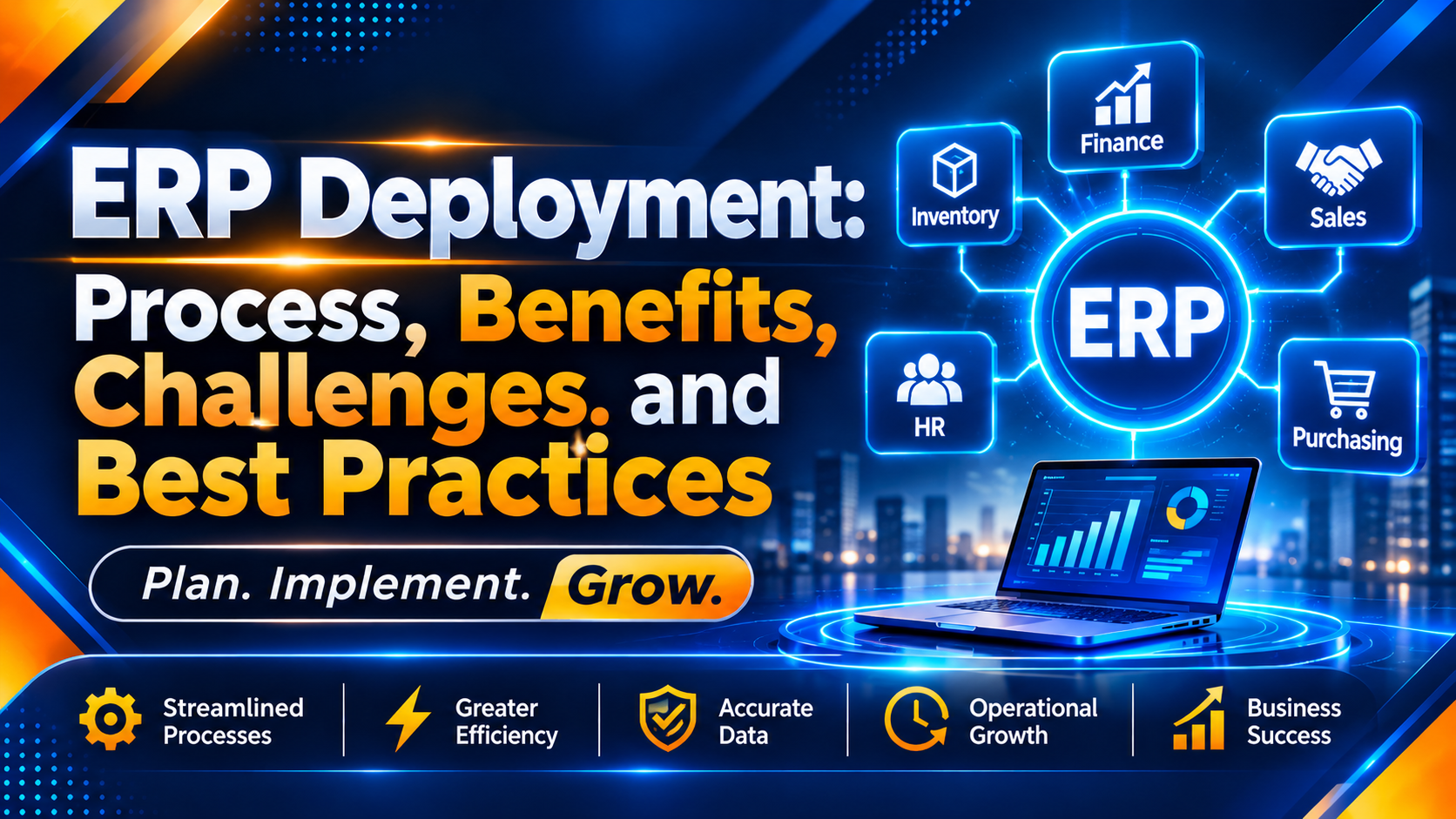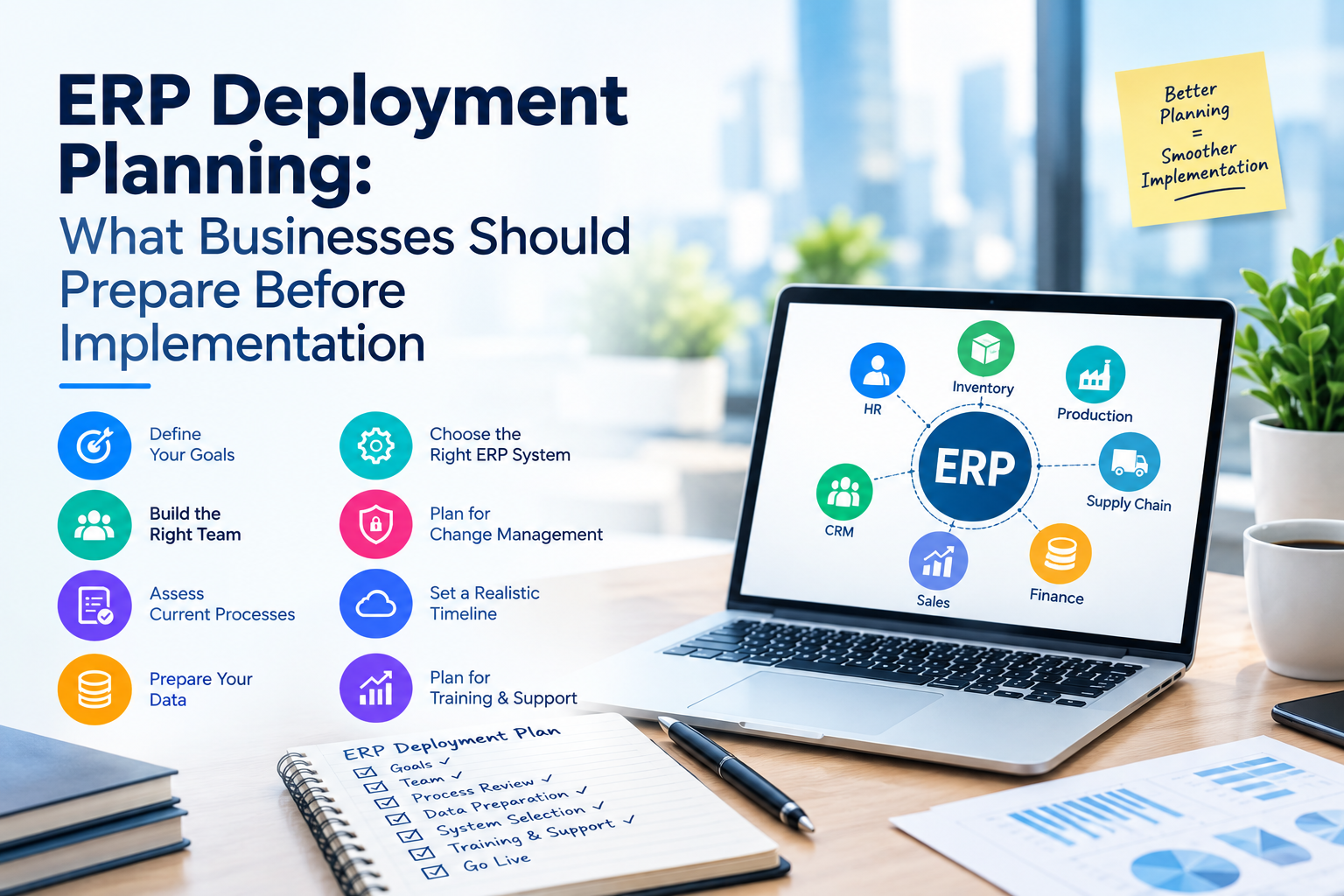
ERP Deployment Planning: What Businesses Should Prepare Before Implementation
Enterprise Resource Planning (ERP) systems bring finance, operations, supply chain, customer management, reporting, and other business processes into a connected technology environment. However, implementing an ERP system is not simply a matter of installing software. Businesses need structured planning to ensure that processes, data, integrations, employees, security, and technical infrastructure are ready before deployment.
A well-planned ERP implementation can help organizations improve operational visibility, reduce manual work, standardize processes, and support long-term business growth. Microsoft recommends defining business goals, establishing measurable success metrics, assigning responsibilities, planning data migration and integrations, and preparing users before deployment.
This is why ERP deployment planning should begin well before the actual go-live date.
What Is ERP Deployment Planning?
ERP deployment planning is the process of preparing an organization, its people, processes, data, and technology for the implementation and launch of an ERP solution.
It typically includes:
- Defining business objectives
- Mapping current business processes
- Identifying ERP requirements
- Preparing and cleansing data
- Planning system integrations
- Defining user roles and security
- Preparing the technical environment
- Testing the solution
- Training employees
- Creating a deployment and cutover plan
- Establishing post-launch support
A detailed project plan should account for business process mapping, data migration, integration, testing, training, cutover, reporting, and other project-specific activities.
1. Define Clear Business Objectives
Before selecting or deploying an ERP system, businesses should clearly establish what they want to accomplish.
Instead of simply stating that the company needs a “new ERP,” define measurable objectives such as:
- Reduce manual data entry
- Improve financial reporting
- Increase inventory visibility
- Streamline procurement
- Improve order management
- Connect different business applications
- Reduce duplicate data
- Support business expansion
Clear objectives help the implementation team prioritize functionality and measure the value of the ERP after deployment.
A business-case-first approach can also help organizations focus on measurable outcomes rather than adding unnecessary customization to the system.
2. Map Existing Business Processes
An ERP system affects multiple departments, so businesses should understand how their current processes work before changing them.
Document important workflows such as:
- Sales and order processing
- Purchasing
- Inventory management
- Finance and accounting
- Human resources
- Customer management
- Production
- Reporting and analytics
Process mapping helps identify inefficiencies, duplicated activities, approval delays, and areas where automation could provide value.
It also gives the implementation team a clearer understanding of which ERP capabilities are required.
3. Establish an ERP Implementation Team
ERP deployment should not be treated as an IT-only project.
A cross-functional team can include representatives from:
- Management
- IT
- Finance
- Operations
- Sales
- HR
- Supply chain
- Key end users
Each participant should have clearly defined responsibilities and decision-making authority.
Business and IT teams should work together from the beginning because business teams understand operational requirements while technical teams manage solution delivery and integration.
4. Prepare and Clean Business Data
Data migration is one of the most important parts of ERP deployment planning.
Before transferring information into the new system, businesses should review existing data for:
- Duplicate records
- Outdated customer information
- Incorrect product details
- Incomplete records
- Inconsistent formats
- Duplicate suppliers
- Historical information that may no longer be required
A data migration strategy should define what information will be migrated, how it will be cleaned, how it will be mapped to the new ERP, and how the migrated data will be validated.
Poor-quality data can create operational problems even when the ERP itself has been configured correctly.
5. Plan ERP Integrations
Most organizations use several business applications alongside their ERP system.
These may include:
- CRM platforms
- E-commerce systems
- Payment gateways
- Banking systems
- Payroll applications
- Business intelligence tools
- Warehouse systems
- Customer portals
- Third-party APIs
Before implementation, identify which systems need to exchange information with the ERP.
Integration requirements should be documented early because they can affect system architecture, data structures, testing, security, and deployment timelines.
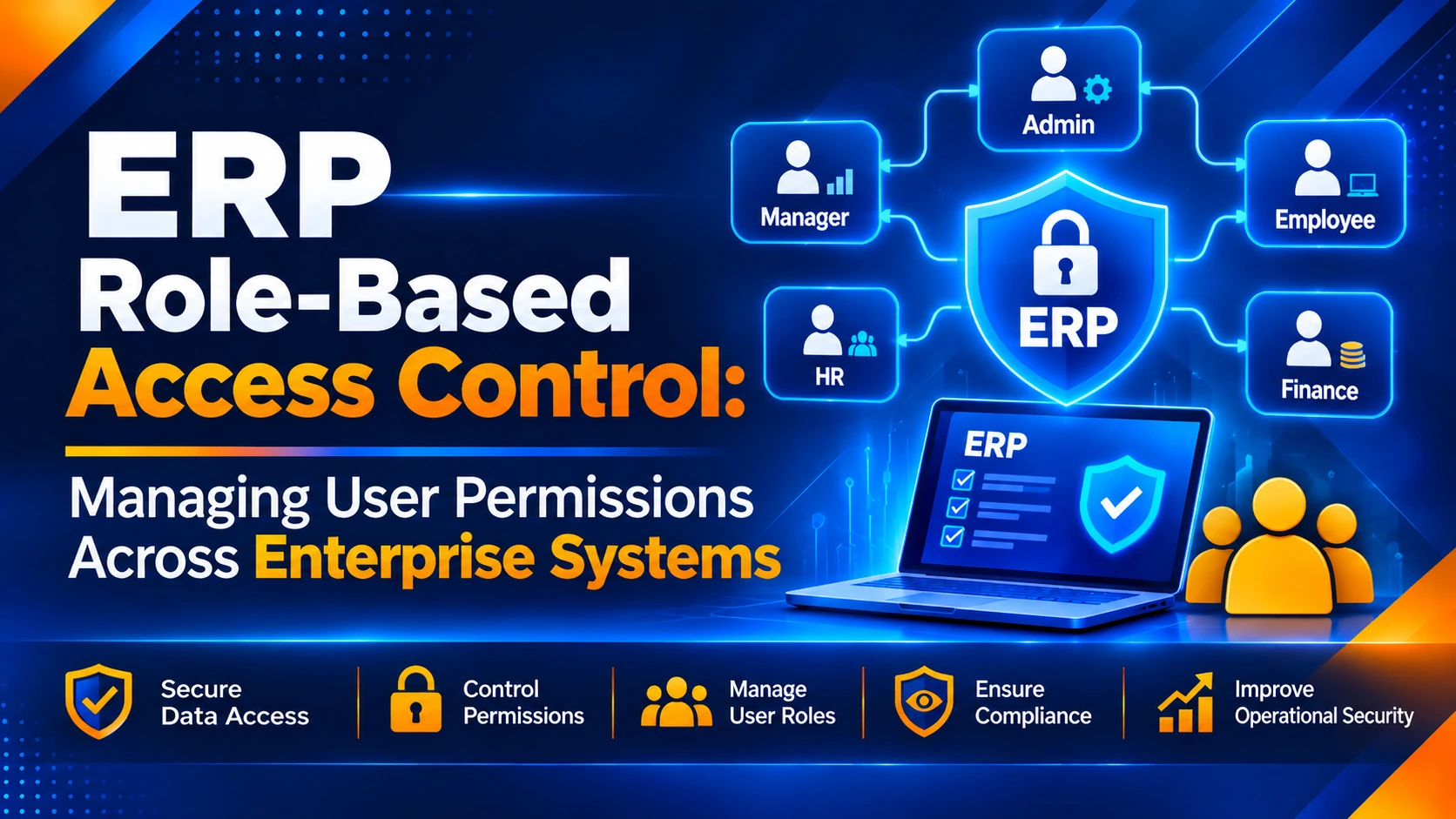
6. Define User Roles and Security
ERP systems contain sensitive operational and financial information. Businesses should therefore establish role-based access before deployment.
For example:
Finance users: Financial records and reporting
Sales users: Customer and order information
Operations users: Inventory and operational workflows
Managers: Reporting and approval functions
Administrators: System configuration and technical management
Users should receive only the permissions required for their responsibilities. Security roles should also be tested before go-live.
7. Decide on Customization Carefully
One common ERP implementation challenge is excessive customization.
Businesses may be tempted to modify the ERP extensively so that it exactly reproduces every existing process. However, excessive customization can increase implementation complexity, maintenance requirements, and future upgrade effort.
Before requesting customization, ask:
- Is this functionality essential?
- Does the ERP already provide an alternative?
- Can the existing process be improved?
- Will the customization create future maintenance requirements?
- Is the business benefit worth the additional complexity?
Where possible, businesses should evaluate standard ERP capabilities before introducing significant custom development.
8. Prepare the Technical Environment
Technical readiness is another important part of ERP deployment planning.
Depending on the deployment model, businesses may need to prepare:
- Production environments
- Testing environments
- Development environments
- User access
- Network infrastructure
- Security configurations
- Backup processes
- Monitoring tools
- Integration environments
Environment planning should happen early so that development, testing, training, and migration activities do not create avoidable delays.
9. Build a Testing Strategy
ERP testing should cover more than basic functionality.
Organizations should consider:
System Testing
Verify that individual ERP functions work correctly.
Integration Testing
Check whether the ERP exchanges data correctly with connected systems.
User Acceptance Testing
Allow business users to confirm that the system supports real-world workflows.
Performance Testing
Evaluate how the system performs under expected workloads.
Data Validation
Confirm that migrated information is accurate and usable.
Microsoft's go-live guidance recommends completing appropriate integration, performance, and user acceptance testing before deployment.
10. Train Employees Before Go-Live
Technology implementation is only part of an ERP project. Employees also need to understand how the new system changes their daily workflows.
Training should cover:
- New processes
- System navigation
- Department-specific functions
- User responsibilities
- Security practices
- Reporting
- Common troubleshooting steps
Businesses can also identify internal “super users” who can provide first-level assistance to colleagues after launch.
Training and change management are important because user adoption directly affects how effectively an ERP system delivers its intended business benefits.
11. Create a Detailed Go-Live and Cutover Plan
The transition from the existing system to the new ERP should be carefully planned.
A cutover plan can define:
- Final data migration
- System freeze periods
- User access activation
- Integration activation
- Verification procedures
- Responsible team members
- Communication timelines
- Rollback or contingency procedures
- Go-live support
A structured go-live readiness review can help identify unresolved issues before the system becomes operational.
12. Prepare Post-Implementation Support
ERP deployment does not end when the system goes live.
Organizations should have a post-launch support plan covering:
- System monitoring
- Issue management
- User support
- Performance monitoring
- Security updates
- Maintenance
- Data quality
- User feedback
- Future improvements
An elevated support period immediately after go-live can help teams identify and resolve early operational issues more efficiently.
ERP Deployment Planning Checklist
Before going live, businesses should confirm that they have:
- Defined measurable business objectives
- Documented important business processes
- Established an implementation team
- Assigned clear responsibilities
- Prepared and cleansed data
- Planned required integrations
- Defined user roles and security
- Reviewed customization requirements
- Prepared technical environments
- Completed system and integration testing
- Completed user acceptance testing
- Trained employees
- Created a cutover plan
- Prepared a post-launch support process
How Clopid Can Support ERP Deployment
ERP deployment requires coordination between business processes, technology, data, integrations, and users. Working with an experienced technology partner can help businesses structure the implementation around their operational requirements.
Clopid provides ERP deployment services designed to support businesses through ERP configuration, migration, integration, implementation planning, and ongoing technical support.
Whether an organization is implementing an ERP system for the first time or transitioning from an existing platform, a structured deployment approach can help reduce operational disruption and create a stronger foundation for long-term technology growth.
Explore Clopid's technology solutions: Visit Clopid
Conclusion
Successful ERP implementation starts long before the go-live date. Businesses need to prepare their processes, data, people, integrations, security, infrastructure, and support strategy before deployment begins.
A structured ERP deployment planning process helps organizations establish clear objectives, identify risks early, prepare users, and create a controlled path toward implementation. With the right preparation and ongoing support, an ERP system can become an important foundation for more connected and efficient business operations.