Introduction
Artificial intelligence helps businesses save time and manage information. Companies use AI to answer questions, manage documents, and support daily work.
However, AI tools have one limitation. They may not know a company's latest information. They may also lack access to private company documents.
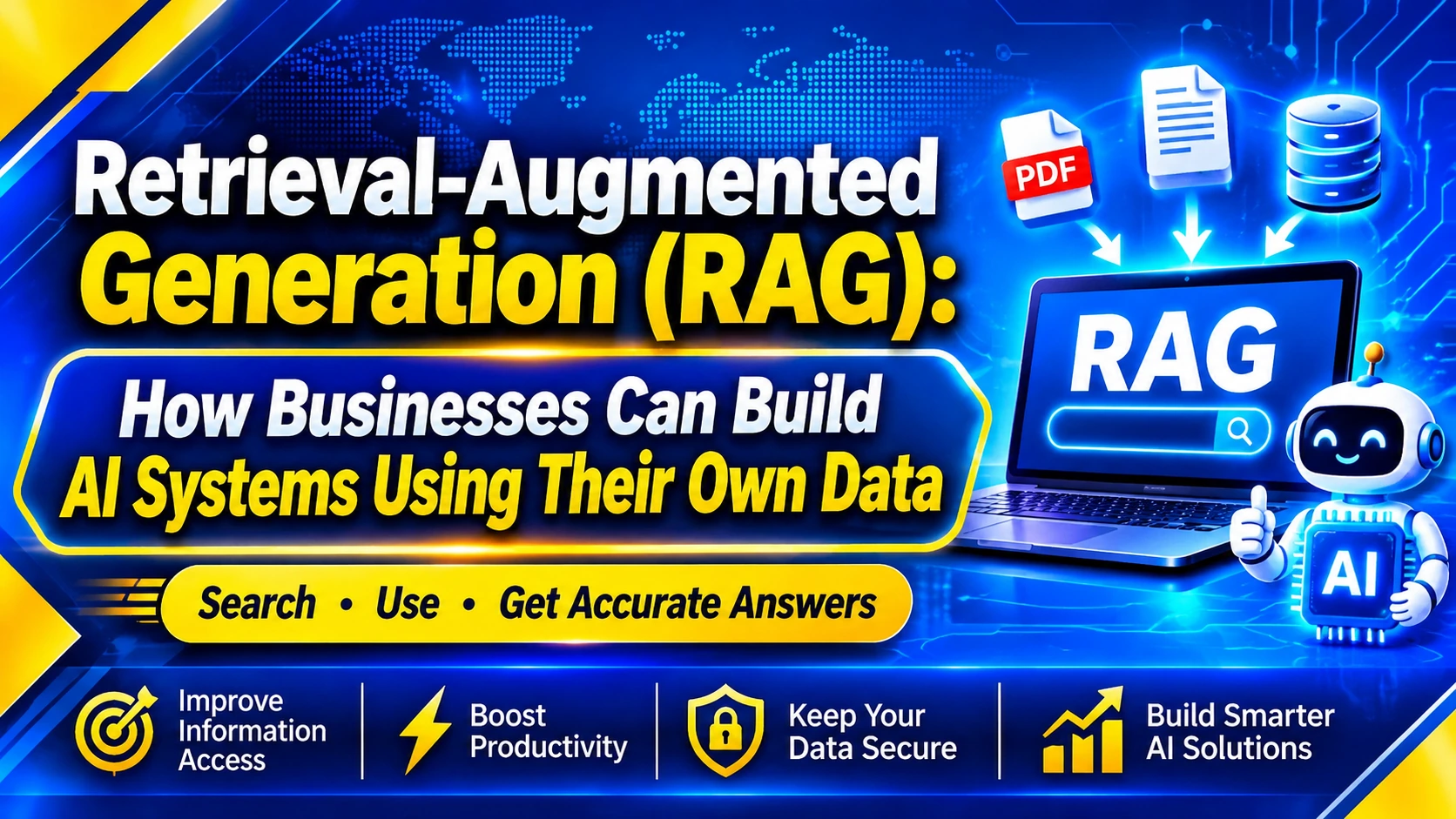
Retrieval-Augmented Generation (RAG) helps solve this problem. It connects AI models to business data. Before answering a question, the system searches the company's information.
For example, an employee may ask about the company's leave policy. The AI system searches HR documents and uses the relevant information to answer.
RAG helps businesses build AI systems that use their own data. It also makes company information easier to find.
Businesses looking for technology solutions can visit CLOPID.
What Is Retrieval-Augmented Generation (RAG)?
Retrieval-Augmented Generation (RAG) is a method that combines information search with generative AI.
It helps AI find useful information before creating an answer.
A regular AI model mainly uses information learned during training. It also uses the details provided in a prompt. However, it may not know a company's latest updates or private information.
RAG adds a search step. It allows AI to find information from connected documents, databases, and other sources.
For example, a company can connect an AI assistant to its product guides and FAQs. When someone asks a question, the system searches these files and prepares an answer.
RAG works in three steps:
- Retrieval: The system searches for useful information.
- Augmentation: It adds that information to the AI prompt.
- Generation: The AI model uses it to create an answer.
This process helps businesses build AI tools that use company information.
How Does RAG Work?
A RAG system has two main stages:
- Preparing company data.
- Searching that data to answer questions.
1. Preparing Business Data
First, the system collects information from company sources.
These sources may include documents, reports, websites, and databases.
The preparation process includes:
- Data Collection: Collect PDFs, reports, FAQs, and company files.
- Data Extraction: Read and convert the information into a usable format.
- Text Chunking: Divide large documents into smaller sections.
- Embedding Generation: Convert text into numerical values called embeddings.
- Data Indexing: Store the information for quick searching.
These steps prepare company data for the AI system.
2. Searching Information and Creating Answers
After preparing the data, the system can answer questions.
Here is the process:
- User Query: A person enters a question.
- Query Processing: The system prepares the question for search.
- Information Retrieval: It searches connected data sources.
- Context Addition: It adds useful information to the AI prompt.
- Answer Generation: The AI model creates a response.
- Response Delivery: The application displays the answer.
For example, an employee asks, "What is our company's leave policy?"
The system searches the HR documents. It finds the relevant policy and uses it to prepare an answer.
Key Components of RAG Architecture
A RAG system uses several components. Each one has a specific job.
| Component | Main Function |
|---|---|
| Data Sources | Provide company documents and information |
| Document Processing | Extract and prepare information |
| Embedding Model | Converts text into numerical values |
| Vector Database | Stores data for meaning-based search |
| Retrieval System | Finds useful information |
| Large Language Model | Creates the answer |
| User Interface | Allows people to use the AI system |
Businesses may also add security and monitoring tools. These help protect company data and check system performance.
RAG vs. Traditional AI Models: Key Differences
Traditional AI models and RAG-based systems use information differently.
A traditional AI model mainly uses its training data and the user's prompt. A RAG system can also search external information before answering.
| Comparison | Traditional AI Model | RAG-Based AI |
|---|---|---|
| Information Source | Training data and prompts | Training data and retrieved information |
| Company Data | Needs supplied information or integration | Can search connected company data |
| Updating Information | May need new context or model updates | Update the knowledge base |
| Source References | Not always available | Can show document references |
| Setup | Often simpler | Needs search and retrieval tools |
| Main Use | General AI tasks | Company-specific AI applications |
The main difference is simple: RAG helps AI models use relevant external information. Businesses can update their knowledge base without retraining the entire AI model.
How Businesses Can Use RAG
RAG is useful when employees or customers need quick answers from company documents.
Here are five common business uses.
1. Internal Knowledge Management
Employees often search through PDFs, reports, and company policies.
Finding the right information can take time.
A RAG-based assistant can search these files and provide relevant answers.
Business Benefits:
- Faster access to company information.
- Less time spent searching files.
- Better knowledge sharing.
- Easier access to company policies.
2. Customer Support Automation
Customer support teams answer similar questions every day.
These questions may relate to products, payments, services, and returns.
A RAG-based chatbot can search approved FAQs and product documents before replying.
For example, a customer asks about a return policy. The chatbot finds the relevant document and explains the policy.
Business Benefits:
- Faster customer responses.
- More consistent answers.
- Less repetitive work.
- Better self-service support.
3. Enterprise Document Search
Businesses manage many documents. These include contracts, invoices, reports, and technical manuals.
Finding specific details in these files can be difficult.
RAG allows employees to search documents using simple questions.
For example, a finance employee may ask, "What payment terms are mentioned in this supplier agreement?"
The system searches the document and finds the relevant section.
4. HR and Employee Assistance
HR teams handle questions about leave, benefits, onboarding, and company rules.
A RAG-based HR assistant can search approved HR documents and answer common questions.
Employees can find basic information without contacting HR for every query.
5. Sales and Product Information
Sales teams need quick access to product details, prices, and service information.
A RAG application can help sales representatives find the right details before speaking with customers.
It can also help them prepare product explanations and answer common questions.
However, confidential prices and customer records need proper access controls.
Benefits of RAG for Businesses
RAG connects AI with company information. This can make daily work easier.
| Benefit | Business Advantage |
|---|---|
| Company-Specific Answers | Uses company information to answer questions |
| Updated Knowledge | Uses new information after the knowledge base is updated |
| Faster Search | Reduces manual document searches |
| Better Context | Gives AI useful information before answering |
| Source References | Helps users check original documents |
| System Integration | Connects AI with existing business tools |
| Workflow Support | Helps with information-based tasks |
Another benefit is that businesses can use existing AI models. They do not need to build a new AI model from the beginning.
Challenges of Implementing RAG
RAG has many benefits, but businesses may face some problems during setup.
Knowing these challenges helps companies plan better.
1. Poor Data Quality
Old or incorrect documents can lead to poor answers.
Solution: Remove outdated files, correct errors, and update company documents regularly.
2. Incorrect Search Results
The system may sometimes find information that does not answer the question.
Solution: Improve document structure and search settings. Use filters to find more relevant results.
3. AI Hallucinations
AI models can still give incorrect answers, even when they have access to documents.
Solution: Give the model clear instructions. Show source references and test answers regularly. Use human review for important decisions.
4. Data Privacy and Security
Company files may contain private customer, employee, or financial information.
Solution: Use login controls, role-based access, encryption, and activity monitoring.
5. Performance and Cost
Large document collections and frequent requests can increase costs.
Solution: Choose suitable AI models, improve search speed, and monitor usage.
How to Implement RAG in a Business
Businesses should start with one clear goal. They do not need to build a large AI system at the beginning.
Follow these seven steps.
Step 1: Identify the Business Problem
First, decide where AI can help your business.
For example, you may want to improve customer support or make company documents easier to search.
Choose one use case and set a clear goal.
Step 2: Collect and Review Business Data
Identify the information your AI system will use.
This may include:
- PDF files and reports.
- Product details.
- Company policies.
- Customer support FAQs.
- Internal knowledge bases.
- Approved business databases.
Check that the information is correct and up to date.
Step 3: Select the Right Technology
Choose tools based on your needs and budget.
Some commonly used options include:
- AI Models: OpenAI, Google Gemini, Anthropic Claude, and open-source models.
- Embedding Models: Convert text into numerical values for search.
- Vector Databases: Pinecone, Weaviate, Chroma, and PostgreSQL with pgvector.
- Development Frameworks: LangChain and LlamaIndex.
The right choice depends on data size, security, cost, and performance.
Step 4: Build a Small RAG Application
Start with a small project.
Connect a few approved documents to an AI model. Then allow users to ask questions.
Check whether the system finds the right information and gives useful answers.
Step 5: Test Accuracy and Security
Test the application with real business questions.
Check whether it:
- Finds the correct documents.
- Gives useful answers.
- Shows correct source references.
- Protects private information.
- Responds within an acceptable time.
Also test how it handles missing information and unsafe instructions inside documents.
Step 6: Connect Existing Business Systems
RAG applications can connect with other business tools through APIs.
These tools may include CRM software, ERP systems, document management platforms, and customer support systems.
This allows employees to use AI within their normal work processes.
Step 7: Monitor and Improve the System
RAG systems need regular checks.
Review user feedback, incorrect answers, search quality, response time, and costs.
Update the knowledge base when company information changes.
RAG vs. Fine-Tuning: Which Is Better?
RAG and fine-tuning are two ways to adapt AI for business needs.
RAG helps an AI model access external information. Fine-tuning trains a model further to improve how it performs specific tasks.
| Factor | RAG | Fine-Tuning |
|---|---|---|
| Main Purpose | Access external information | Adapt model behaviour |
| Company Documents | Retrieved during questions | May be used in training |
| Updating Knowledge | Update the knowledge base | May need more training |
| Best Use | Document search and knowledge assistants | Special tasks and response formats |
| Source References | Can provide document references | Not automatic |
| Infrastructure | Needs search and indexing | Needs training and model management |
Which should businesses choose?
Choose RAG when your application needs changing company information, documents, and policies.
Choose fine-tuning when a model needs to follow a specific style or perform a special task.
Some businesses may use both methods together.
How to Measure RAG Performance
Businesses should check the quality of their RAG applications after launch.
These metrics can help:
- Retrieval Precision: Checks whether search results are relevant.
- Answer Relevance: Checks whether the response answers the question.
- Faithfulness: Checks whether the answer matches the retrieved information.
- Response Time: Measures how quickly the system responds.
- Source Accuracy: Checks whether references point to the right documents.
- User Satisfaction: Measures how useful the application is.
- Cost Per Query: Tracks the cost of each request.
Regular testing helps businesses find problems and improve results.
The Future of RAG in Enterprise AI
RAG is growing beyond simple document search. New methods help AI systems handle more complex questions and different types of information.
Some important developments include:
- Agentic RAG: Uses AI agents to perform multiple searches and handle complex questions.
- Multimodal RAG: Searches text, images, tables, and other formats.
- Graph RAG: Uses connected data to understand links between topics.
- Hybrid Search: Combines keyword search with meaning-based search.
- Enterprise AI Integration: Connects AI with CRM, ERP, and other business tools.
These methods can help businesses build more useful AI applications. The right approach depends on business goals, data quality, and security needs.
Why Businesses Need the Right AI Development Partner
Building a RAG application takes more than choosing an AI model.
Businesses must prepare their data, select the right tools, build the search system, and protect private information.
A technology partner can help with these tasks. It can also connect AI applications with existing business systems.
Businesses exploring technology and digital solutions can visit CLOPID to learn more about its services.
The right AI solution should solve a real business problem and provide measurable value.
Frequently Asked Questions (FAQs)
1. What Is RAG in Artificial Intelligence?
RAG helps AI search external information before answering a question. It uses the information it finds to create a response.
2. Does RAG Require Training a New AI Model?
No. RAG usually works with existing AI models. Businesses can connect these models to company documents and update the knowledge base separately.
3. Can RAG Work With Private Company Documents?
Yes. RAG can search approved company documents and databases. Proper security controls are needed to protect private information.
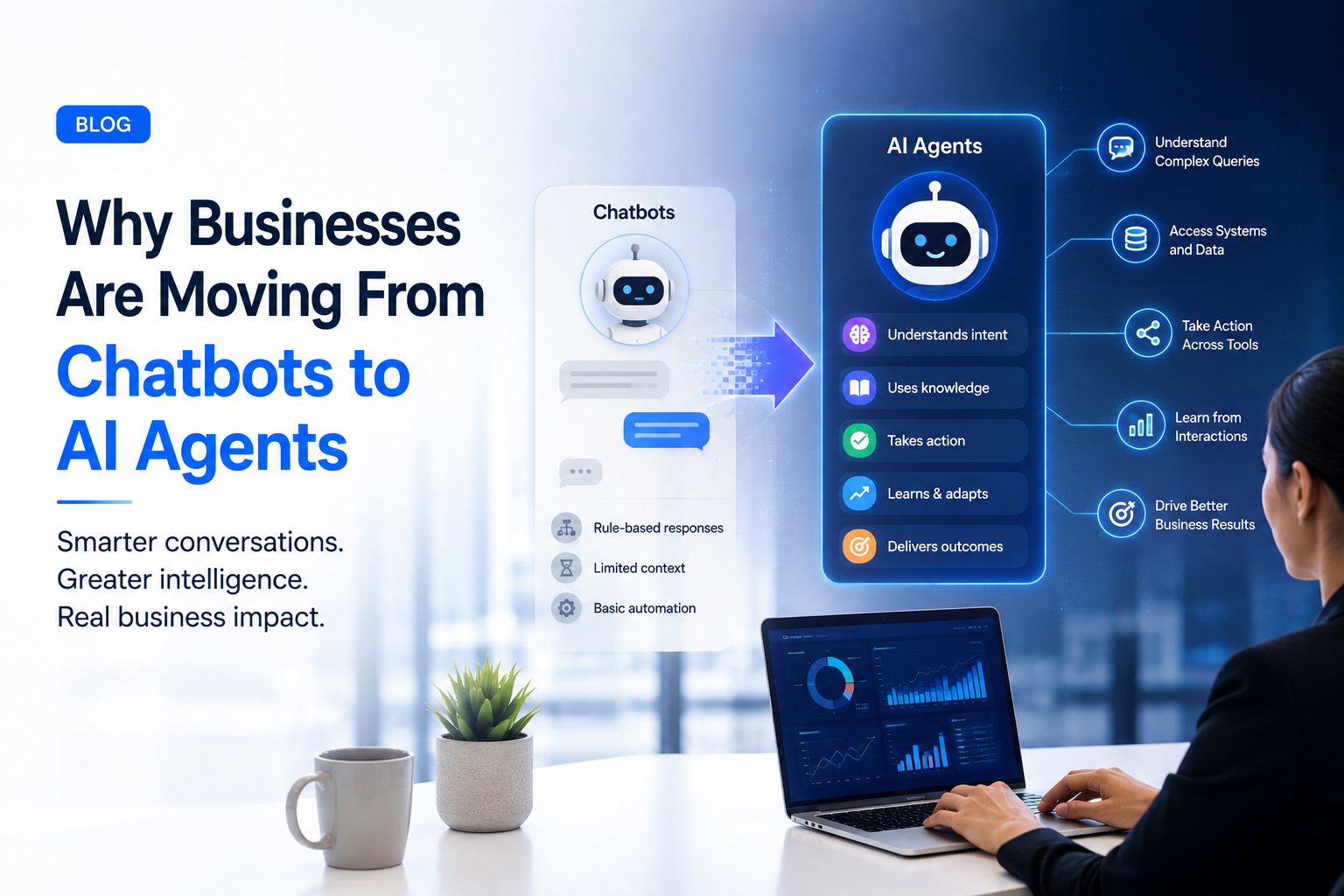
4. What Is the Difference Between RAG and a Chatbot?
A chatbot is an application that talks with users. RAG is a method that helps a chatbot find useful information before answering.
5. Is RAG Suitable for Small Businesses?
Yes. Small businesses can use RAG for customer support, document search, and employee assistance. They can start with a small project and expand later.
6. Can RAG Integrate With ERP and CRM Systems?
Yes. RAG applications can connect with ERP and CRM platforms through APIs and other methods. The options depend on each platform.
7. Does RAG Eliminate AI Hallucinations?
No. RAG can reduce incorrect answers by providing useful information. However, it cannot remove all AI errors. Regular testing is important.
Conclusion
Retrieval-Augmented Generation (RAG) connects AI with company information.
It helps employees and customers find answers from documents, reports, and databases. Businesses can use it for customer support, document search, and daily work.
However, a good RAG system needs accurate data, effective search, strong security, and regular testing.
By combining AI with reliable business information, companies can build more useful applications.
Start with one business problem where better access to information can save time.
Build Smarter Business Solutions With AI
Want to make company information easier to access and reduce repetitive work?
Visit CLOPID to explore technology solutions that can support your business needs.
Have an AI use case in mind? Explore the right technology solution for your business today.