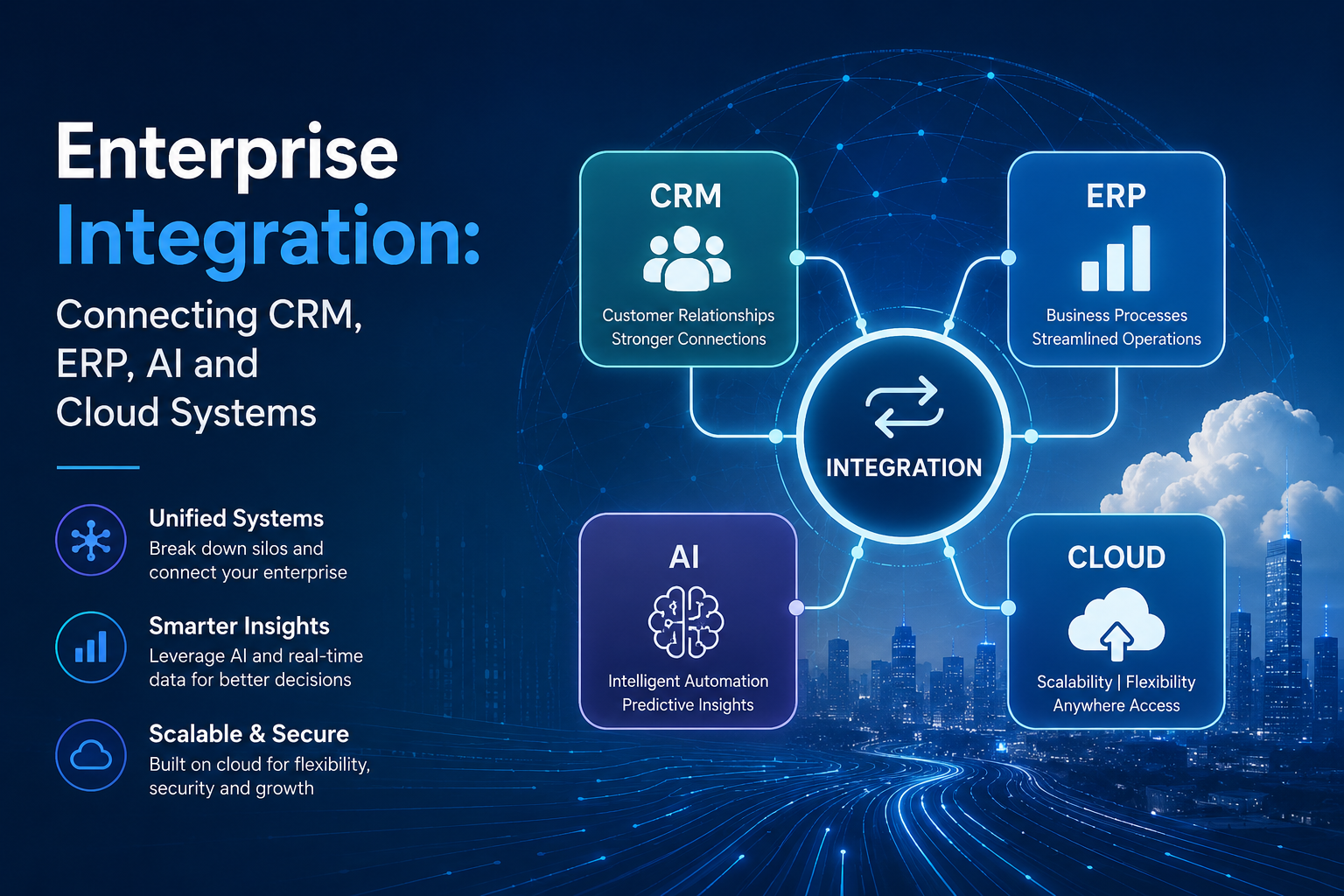
Enterprise Integration: Connecting CRM, ERP, AI and Cloud Systems
Modern businesses rarely operate on a single technology platform. Sales teams may depend on a CRM, finance and operations may use an ERP, development teams may rely on cloud platforms, while AI tools are increasingly being introduced for analytics, automation and decision-making.
The challenge is making these systems work together.
When applications operate in isolation, businesses often face duplicate data, manual processes, inconsistent information and limited visibility across departments. Enterprise integration addresses this challenge by connecting applications, data and business processes so information can move securely and efficiently across the organization.
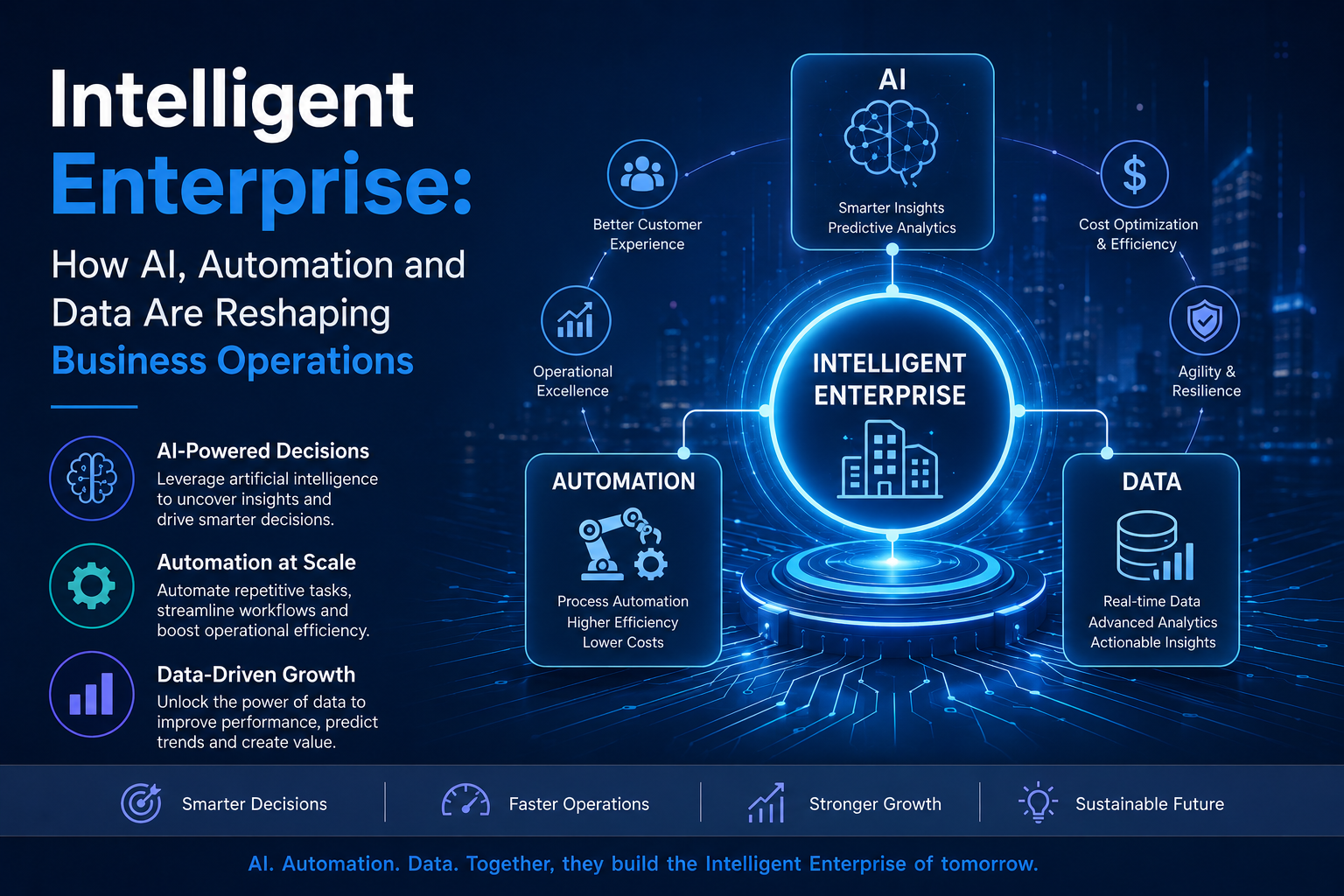
Modern enterprise integration is increasingly important as organizations combine CRM, ERP, cloud and AI capabilities into a connected technology ecosystem.
What Is Enterprise Integration?
Enterprise integration is the process of connecting different business applications, systems, databases and services so they can exchange information and support coordinated workflows.
A typical enterprise environment may include:
- Customer Relationship Management (CRM)
- Enterprise Resource Planning (ERP)
- Human Resource Management systems
- E-commerce platforms
- Payment systems
- Cloud applications
- Business intelligence platforms
- AI and machine learning systems
- Data warehouses
- Customer service platforms
- Internal business applications
Integration can use technologies such as APIs, middleware, integration platforms, event-driven architectures and automated workflows.
The objective is to create a connected technology environment instead of a collection of isolated applications.
Why Businesses Need Enterprise Integration
1. Eliminating Data Silos
When departments maintain separate systems, important information can become fragmented.
For example, sales may have updated customer information in the CRM while finance has different information in the ERP.
Integrating these systems allows relevant data to flow between platforms and creates a more consistent view of business operations.
2. Reducing Manual Data Entry
Employees often spend significant time transferring information between systems.
For example:
CRM → ERP → Inventory → Billing → Customer Notification
Automating these workflows can reduce repetitive data entry and minimize errors.
3. Improving Business Visibility
Integrated systems allow decision-makers to access information from multiple business functions.
Instead of reviewing disconnected reports, organizations can combine customer, operational, financial and analytical information to gain a broader view of business performance.
4. Enabling AI-Driven Operations
AI becomes more useful when it has access to reliable and relevant business data.
Connecting AI systems with CRM, ERP and cloud platforms can enable applications such as:
- Customer behavior analysis
- Sales forecasting
- Intelligent recommendations
- Automated customer support
- Demand forecasting
- Document processing
- Workflow automation
- Predictive analytics
Current enterprise technology trends increasingly focus on embedding AI directly into core business workflows rather than using AI as an isolated tool.
Connecting CRM and ERP
CRM and ERP integration is one of the most valuable enterprise integration use cases.
A CRM typically manages customer relationships, sales activities and customer interactions, while an ERP manages areas such as finance, inventory, procurement and operations.
When these platforms are connected, information can move between customer-facing and operational processes.
For example:
Customer places an order → CRM records the transaction → ERP processes the order → Inventory is updated → Finance generates the invoice → Customer receives confirmation
This connected workflow reduces manual intervention and improves operational visibility.
Common data exchanged between CRM and ERP systems includes:
- Customer information
- Product information
- Pricing
- Orders
- Invoices
- Payments
- Inventory
- Delivery status
- Sales forecasts
- Customer service information
Integrating AI With Enterprise Systems
AI should not exist separately from the systems where business data is generated.
By integrating AI with CRM, ERP and cloud platforms, organizations can create intelligent workflows.
For example, an AI system could analyze CRM data, combine it with ERP information and generate recommendations for sales or operations teams.
Potential applications include:
Intelligent Sales Forecasting
AI can analyze historical sales, customer behavior and operational information to help identify trends and improve forecasting.
Automated Customer Support
AI-powered systems can access relevant customer and order information to assist with support requests.
Predictive Inventory Management
AI can combine sales trends and inventory information to help organizations anticipate demand.
Intelligent Workflow Automation
AI can identify conditions within business systems and trigger predefined workflows, reducing repetitive manual tasks.
This requires carefully controlled access to enterprise data, appropriate permissions and strong governance.
The Role of Cloud Integration
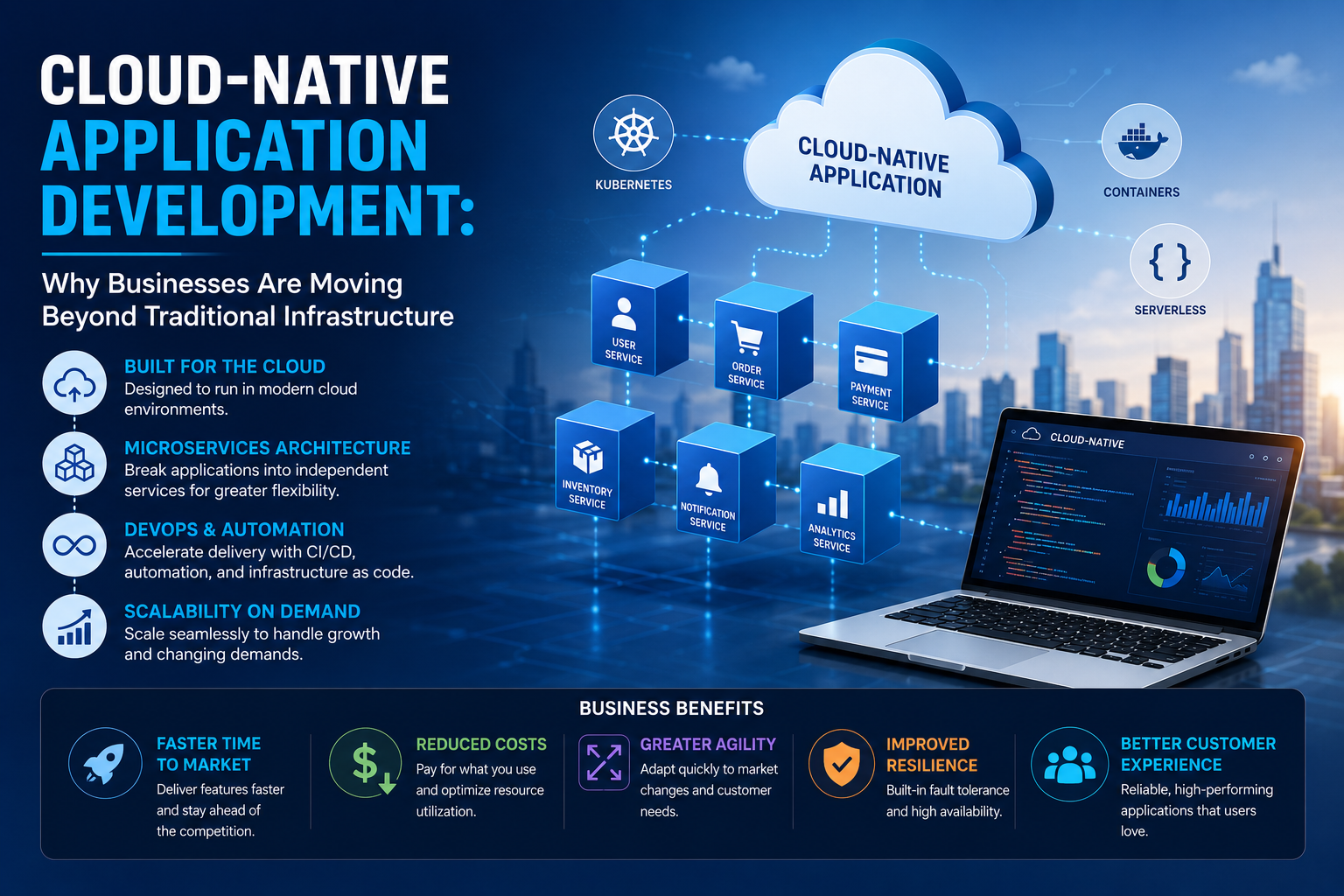
Cloud computing has significantly expanded the number of applications businesses use.
Organizations may operate applications across:
- Public cloud
- Private cloud
- Hybrid environments
- SaaS platforms
- On-premises infrastructure
Cloud integration connects these environments so applications and data can work together.
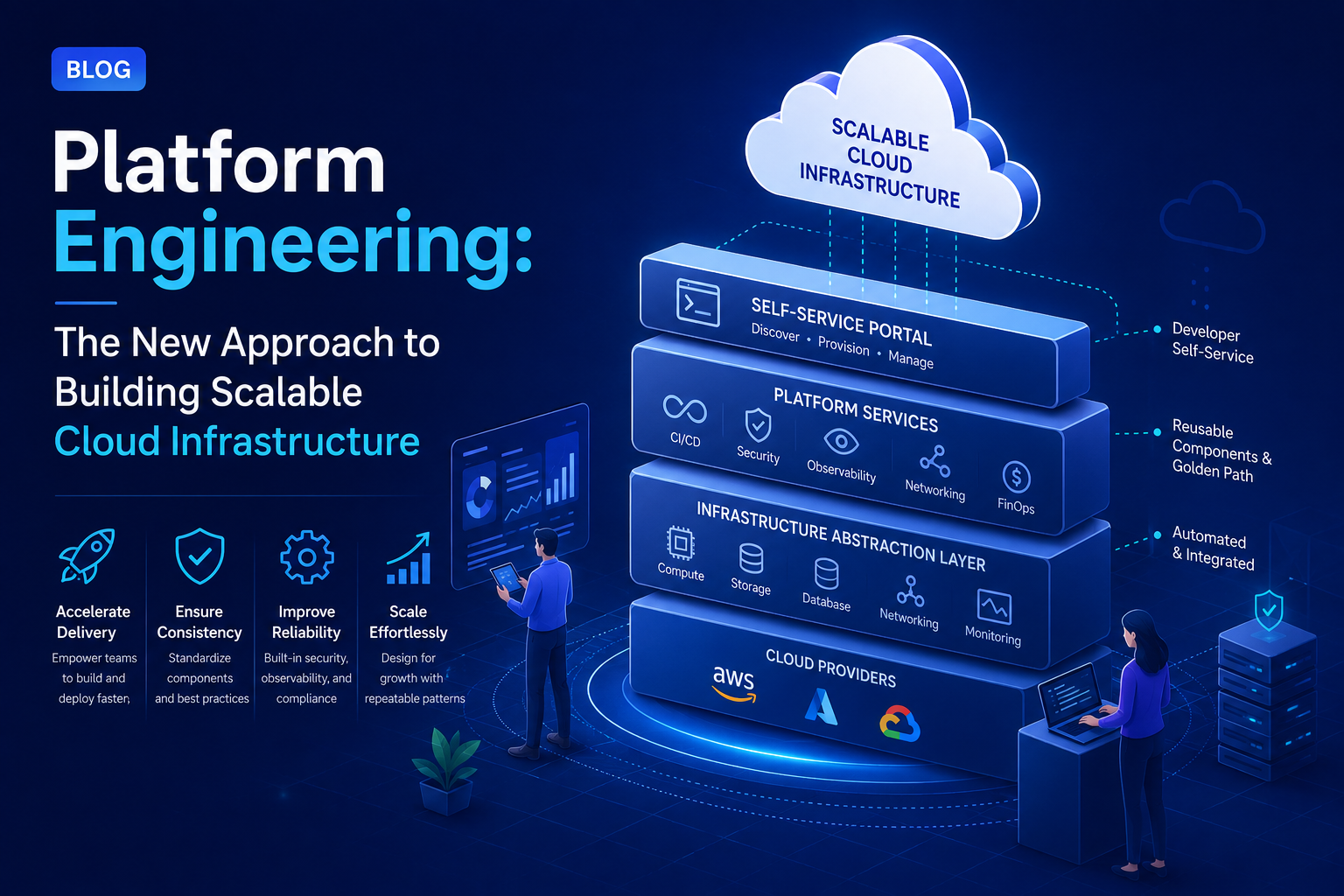
A modern integration architecture can help organizations connect cloud applications with existing enterprise systems without forcing every platform to use the same underlying technology.
APIs: The Foundation of Modern Integration
Application Programming Interfaces (APIs) are one of the most common mechanisms for connecting enterprise applications.
APIs allow applications to exchange data and request specific services in a controlled way.
For example:
CRM API → Integration Layer → ERP API
The integration layer can transform, validate and route information between systems.
Businesses should prioritize reusable APIs and integration flows instead of building large numbers of isolated point-to-point connections. This makes the architecture easier to maintain as the technology environment grows.
Event-Driven Integration
Not every integration requires constant data polling.
Event-driven architecture allows systems to respond when specific events occur.
For example:
Order Created → Event Generated → ERP Processes Order → Inventory Updated → Notification Sent
This approach can support responsive, scalable workflows and reduce unnecessary system-to-system communication.
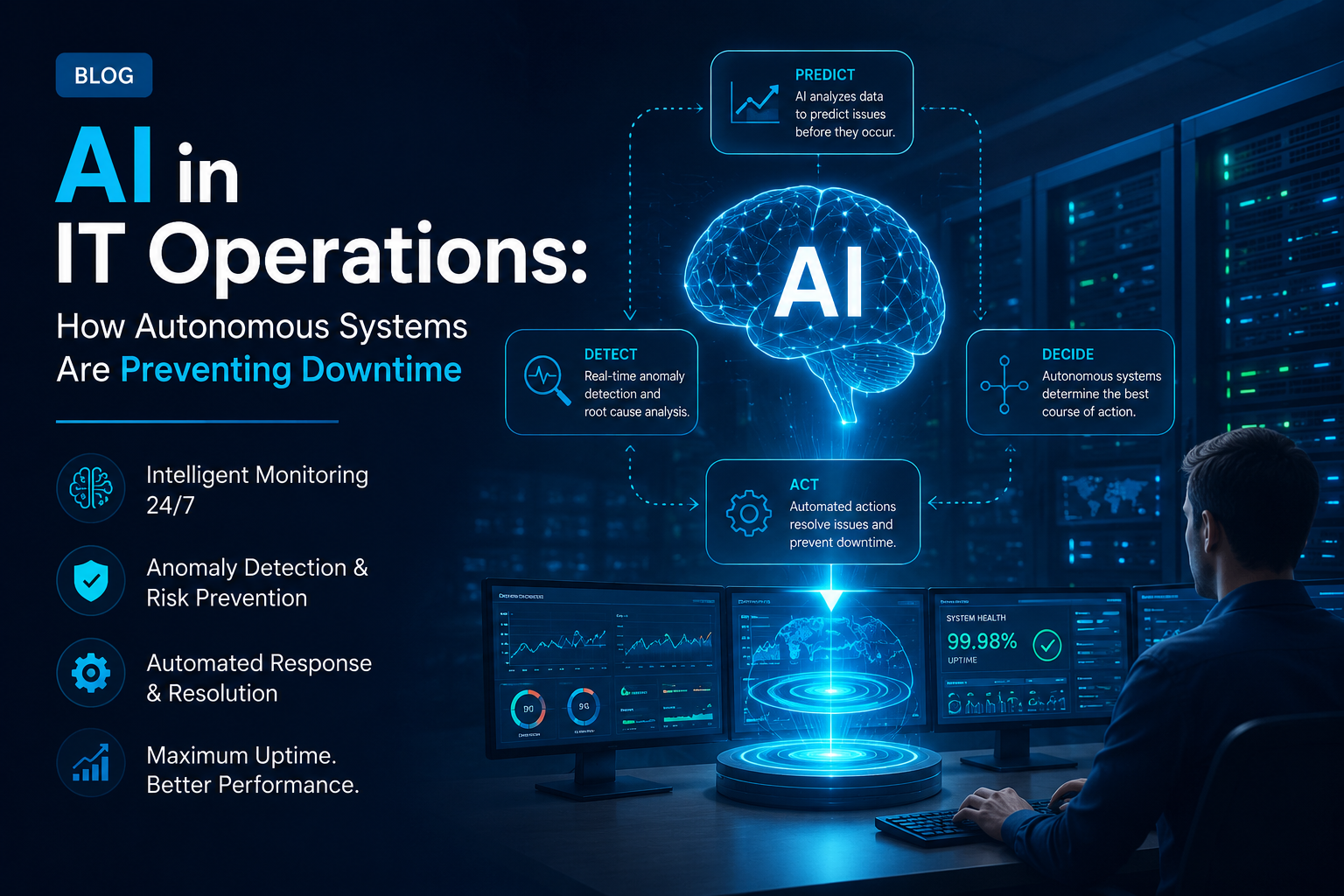
Event-driven orchestration is also becoming relevant for integrating AI-driven automation across complex enterprise environments.
Building a Modern Enterprise Integration Architecture
A successful integration strategy should be designed for scalability, security and long-term maintainability.
A typical architecture can include:
1. Source Systems
CRM, ERP, HR, e-commerce and other business applications generate and consume information.
2. Integration Layer
Middleware, integration platforms or API gateways manage communication between systems.
3. Data Transformation
Information may need to be converted into standardized formats before being transferred.
4. Business Logic
Rules determine what information should move between systems and what actions should occur.
5. AI and Analytics Layer
AI, machine learning and analytics systems can use integrated data to generate insights and automate decisions.
6. Monitoring and Governance
Organizations need visibility into integration health, errors, access and data flows.
Common Enterprise Integration Challenges
Integration can deliver significant benefits, but poorly designed integration can create new problems.
Data Inconsistency
Different systems may use different formats, definitions or customer identifiers.
Integration Complexity
As the number of applications grows, managing connections can become increasingly difficult.
Security Risks
Enterprise integration moves potentially sensitive information between systems. Strong authentication, authorization, encryption and monitoring are therefore essential.
Legacy Applications
Older systems may lack modern APIs or integration capabilities.
Integration Sprawl
Creating individual connections for every application can lead to a complex network that becomes difficult to maintain.
AI Governance
AI systems require appropriate controls over data access, permissions, monitoring and decision-making.
Best Practices for Enterprise Integration
Businesses can improve integration outcomes by following these principles:
Define Clear Integration Objectives
Start with business outcomes rather than technology.
Determine whether the primary objective is:
- Reducing manual work
- Improving data quality
- Increasing operational visibility
- Automating workflows
- Improving customer experience
- Enabling AI
Establish Systems of Record
Define which system owns specific information.
For example, an ERP may be the authoritative source for financial information, while a CRM may own customer relationship information.
Clear ownership helps prevent conflicting data.
Use Reusable Integration Components
Reusable APIs, connectors and workflows can reduce development effort and simplify future expansion.
Standardize Data
Data mapping and transformation should be established before connecting systems.
Prioritize Security
Use strong authentication, authorization, encryption, logging and access controls across integration points.
Monitor Integrations Continuously
Businesses should monitor:
- Failed transactions
- API performance
- Data synchronization
- System availability
- Security events
- Workflow execution
Start Small and Scale
Instead of integrating every system simultaneously, organizations can begin with high-value workflows and gradually expand the integration architecture.
The Future of Enterprise Integration
Enterprise integration is moving beyond simply connecting applications.
The next phase is about creating intelligent, automated and context-aware business ecosystems.
AI agents, cloud platforms, APIs, event-driven systems and data platforms are increasingly being combined to create workflows in which information can move between systems and intelligent automation can act on that information.
However, successful implementation requires more than connecting technologies. Businesses need clear governance, reliable data, secure architectures and well-defined business processes.
As AI adoption expands, integration with existing enterprise systems remains one of the key challenges organizations need to solve before AI can scale effectively.
Conclusion
Enterprise integration provides the foundation for connecting the different technologies that modern businesses depend on.
By integrating CRM, ERP, AI and cloud systems, organizations can reduce data silos, automate repetitive processes, improve visibility and create more connected customer and operational experiences.
The most effective approach is not to connect every application without a strategy. Businesses should identify their most valuable workflows, establish clear data ownership, adopt reusable integration patterns, implement strong security and build an architecture that can evolve as technology changes.
Clopid Smart Technology Solution helps businesses build connected, scalable and intelligent technology environments by bringing together CRM, ERP, AI, cloud and automation capabilities around specific business requirements. Explore Clopid to discover how your organization can build a more connected and future-ready digital infrastructure.